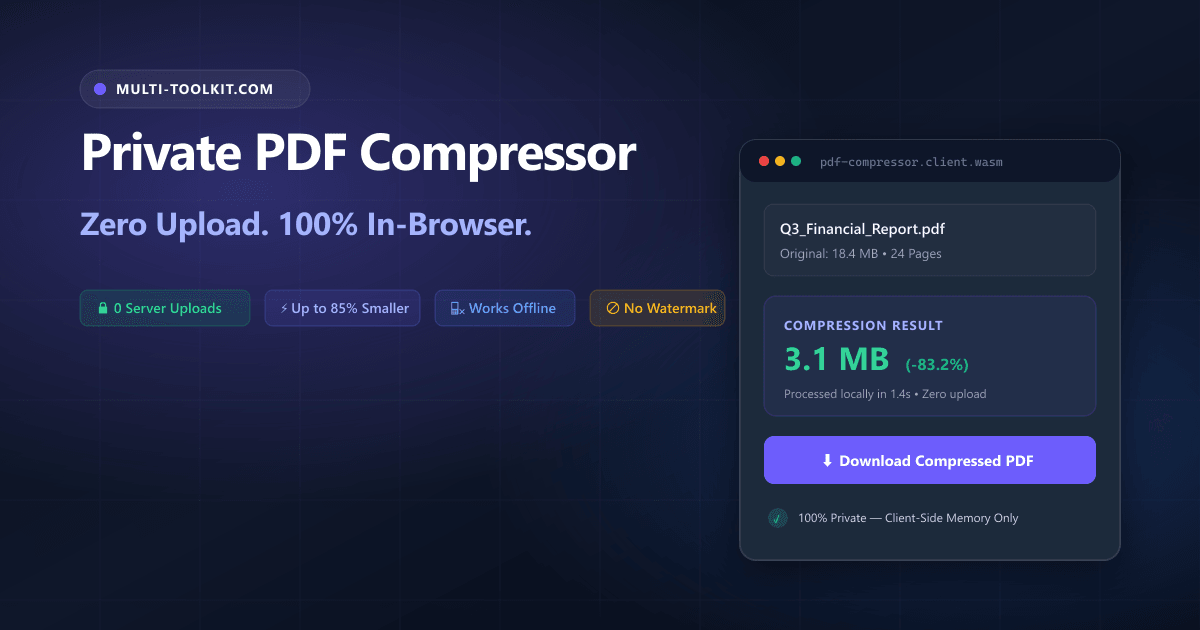
Every week, millions of professionals hit the same barrier: an email server bounces a 25MB attachment, or a government portal rejects an application because the PDF exceeds a strict 2MB limit.
For years, the default workaround was uploading files to cloud converters like iLovePDF, Smallpdf, or Adobe Acrobat Online. But convenience comes with hidden costs: traditional online PDF compressors upload your sensitive documents to remote servers, enforce daily task quotas, and lock essential features behind monthly paywalls.
Whether you are handling employment contracts, financial audits, medical records, or identity documents, sending unencrypted PDFs to external servers introduces serious data privacy and compliance risks.
Multi-Toolkit solves this permanently with its PDF Compressor—a free online pdf compressor no upload tool that runs 100% inside your web browser. Your files never leave your device, zero bytes touch a server, and compression is instant, private, and watermark-free.
The hidden traps of cloud PDF compressors
1. Severe privacy & compliance risks
When you click “Upload PDF”, your file travels to a third-party server cluster. Even with automated deletion, your confidential data sits in temporary cloud storage outside your control. For legal, medical, or financial documents, uploading files to external web tools violates corporate data governance and international regulations like GDPR.
2. Aggressive paywalls & daily quotas
Most “free” cloud compressors use restrictive freemium funnels. After two or three files, a daily limit blocks further downloads unless you purchase a $9–$15/month subscription. Other sites add intrusive watermarks or disable high-compression modes unless you register and provide payment details.
3. Upload bottlenecks & network delays
Cloud tools require uploading the full original file (often 30MB+) and then downloading the compressed result. On mobile data, airport Wi-Fi, or slow connections, uploads frequently stall or time out.
The solution: in-browser compression via WebAssembly & Canvas
The Multi-Toolkit PDF Compressor eliminates the cloud intermediary entirely. By combining PDF.js, the HTML5 Offscreen Canvas API, and pdf-lib, the entire parsing, downsampling, and document reassembly pipeline runs directly inside your browser tab.
- Zero server uploads (100% private): Files remain in local memory. Network tabs verify zero payload requests.
- Instant processing: Zero upload/download delays. Compression begins immediately upon selection.
- 100% free forever: No accounts, no subscriptions, no credit cards, and no daily limits.
- Works offline: Disconnect from Wi-Fi and continue compressing files seamlessly.
- Zero watermarks: Clean, unaltered PDFs ready for professional submissions.
Architecture: how client-side compression works
Instead of sending files to external servers, Multi-Toolkit executes every step in local device RAM:
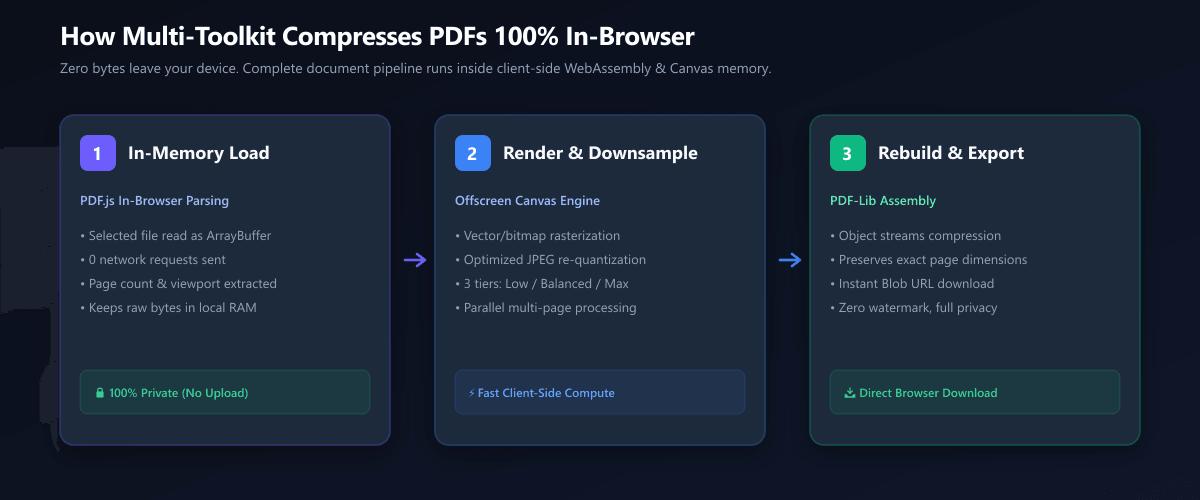
- In-Memory File Load: Selected PDFs load directly into a local
ArrayBufferwithout network calls. - Page Parsing via PDF.js: The client engine parses the document tree and extracts page dimensions.
- Canvas Rasterization & Downsampling: Each page renders to an HTML5 Canvas at an optimized scale factor, generating a compact JPEG stream.
- Assembly with PDF-Lib: A new PDF container is constructed in memory with object streams enabled to minimize overhead.
- Direct Browser Download: The output is packaged into a local Blob URL and saved directly to disk.
How to compress a PDF in 4 steps
- Open the tool: Visit multi-toolkit.com/pdf-compressor (no login required).
- Select your PDF: Drag and drop your file (supports documents up to 100MB).
- Choose compression level:
- Low (~20–40% smaller): Preserves maximum sharpness for portfolios and presentations.
- Recommended (~40–70% smaller): Optimal balance of crisp text and small file size for emails and reports.
- Maximum (~60–85% smaller): Maximum size reduction for strict upload caps.
- Download instantly: Click Compress PDF and download your optimized document.
Designed for day and night productivity
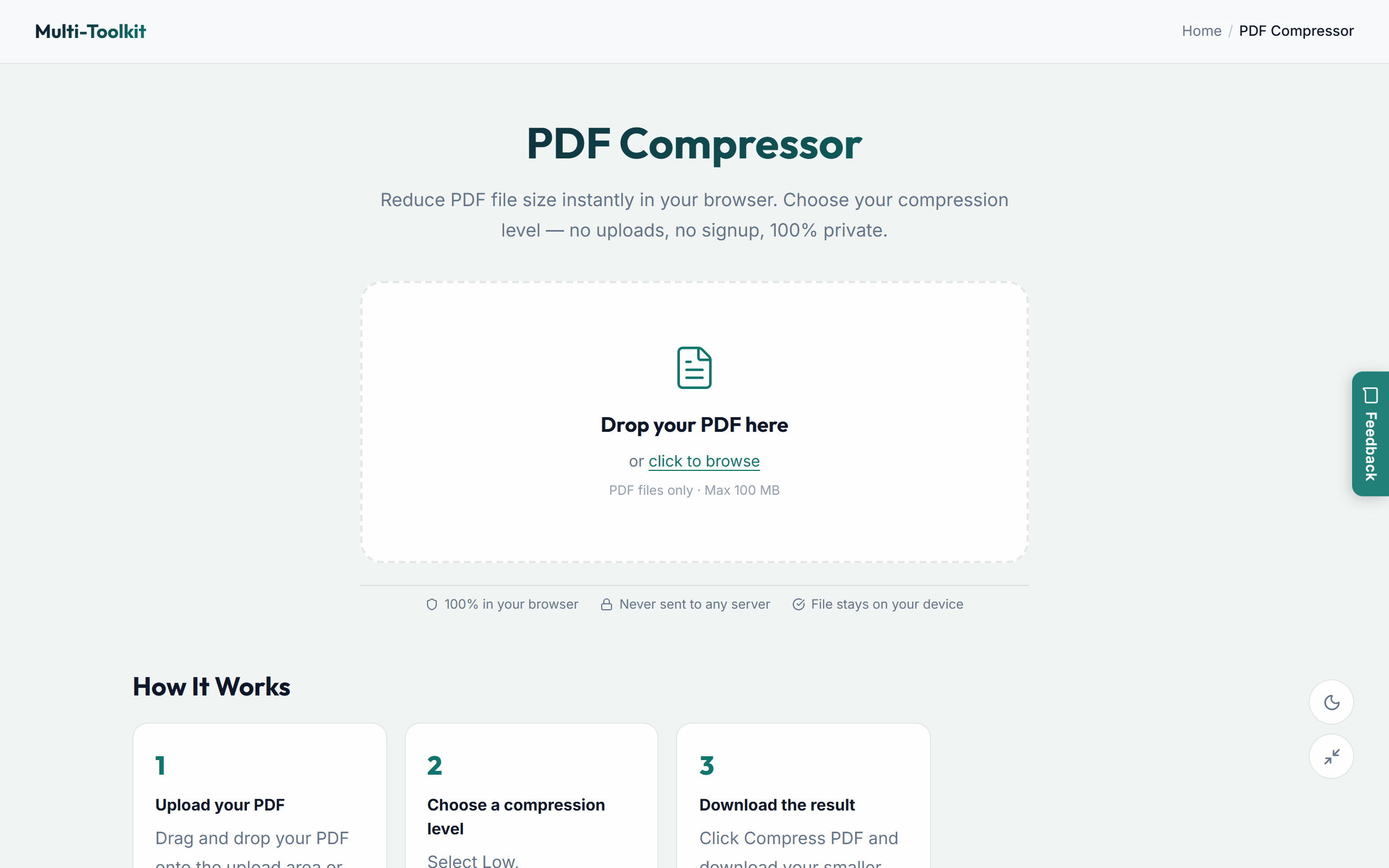
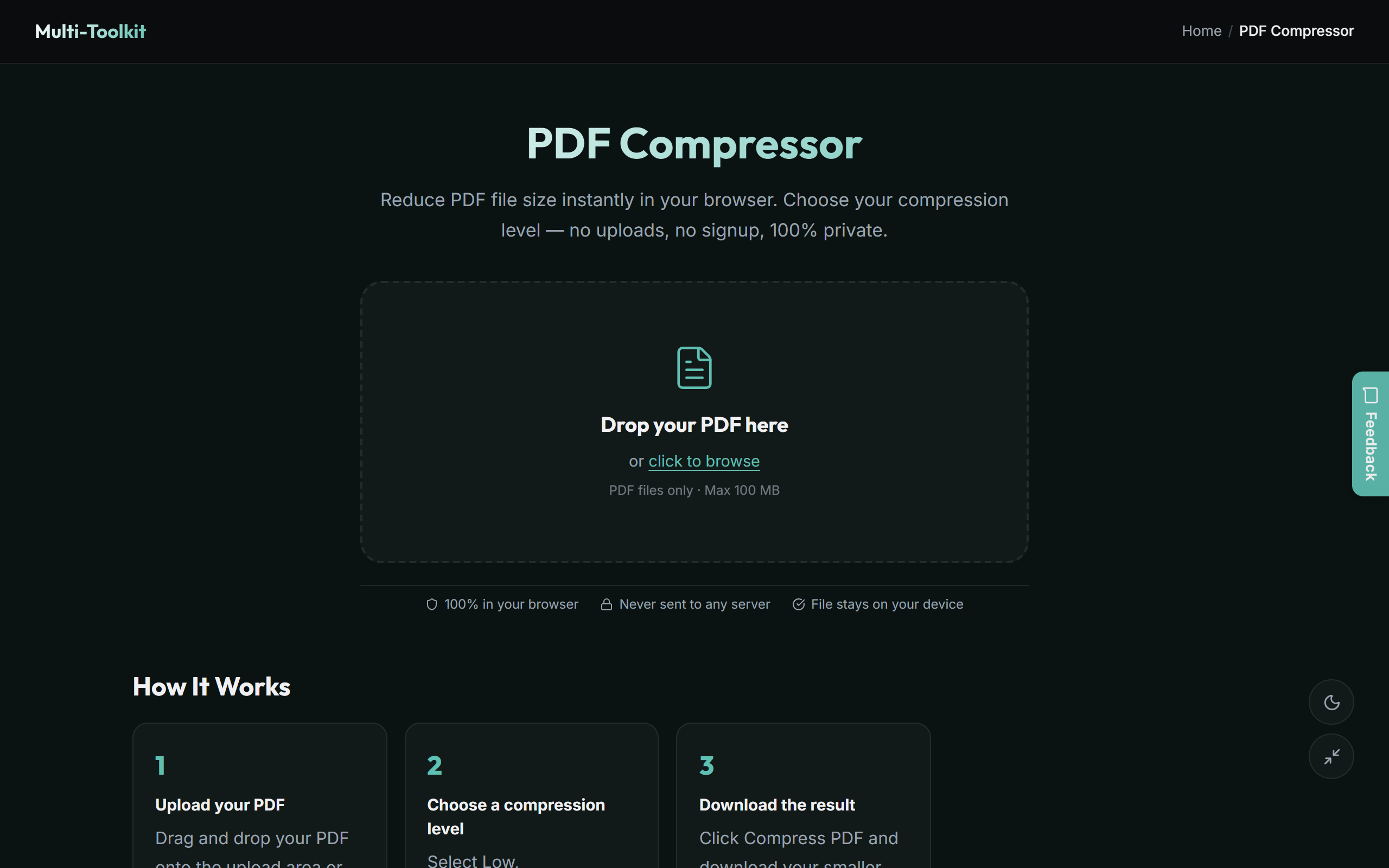
Multi-Toolkit provides clean styling tailored to your work environment, with full support for light and dark themes:
Light mode (Nordic theme)
Dark mode (Midnight theme)
Real-world use cases
- GCC government & visa portals: Portals across the UAE (ICP, GDRFA), Saudi Arabia (Absher, Muqeem), Qatar, and Bahrain enforce 2MB–5MB upload caps for visa filings and commercial licenses. Multi-Toolkit shrinks files locally with zero identity exposure.
- Job seekers: Compress CVs, portfolios, and attested degree certificates into a lightweight file for email applications.
- Legal & accounting teams: Downsize audit reports, contracts, and NDAs without breaching confidentiality policies.
- Students & academics: Shrink research papers, scanned readings, and assignments to pass institutional LMS limits.
- SMEs & freelancers: Reduce invoice bundles and proposals so they pass corporate spam filters.
Comparison: Multi-Toolkit vs. cloud PDF services
| Feature / Capability | Cloud Compressors (iLovePDF, Smallpdf) | Adobe Acrobat Online | Multi-Toolkit PDF Compressor |
|---|---|---|---|
| Data Privacy | Uploads files to remote servers | Uploads to cloud storage | 100% In-Browser (0 Uploads) |
| Price | $9–$15/month for unlimited | $19.99/month subscription | 100% Free Forever |
| Daily File Limit | 2–3 files per day on free tier | Requires Adobe ID login | Unlimited Tasks |
| Watermarks | Often watermarked on free tier | Sign-in required | Zero Watermarks |
| Offline Support | Requires active internet | Requires active internet | Yes (Works Offline) |
| Max File Size | Capped on free tiers (e.g. 15MB) | Account required | 100 MB per file |
| Account Required | Forced sign-up prompts | Mandatory sign-in | Zero Sign-Up Required |
Frequently asked questions
Is Multi-Toolkit PDF Compressor really free?
Yes, 100% free with no hidden charges, trials, subscriptions, or credit card requirements. You can compress unlimited documents daily.
Does Multi-Toolkit upload my PDF anywhere?
No. All decompression, rendering, and reassembly happens entirely inside your browser's local memory. No file bytes are sent across the network.
What is the maximum PDF file size supported?
You can process documents up to 100MB directly in your browser. Performance scales with your device's memory and CPU.
Will compression reduce document quality?
The Recommended preset maintains sharp text and clear images while cutting file size by 40% to 70%. For high-DPI prints, select Low Compression.
Does the PDF compressor work on mobile?
Yes. Multi-Toolkit is responsive and runs on iOS (Safari/Chrome) and Android mobile browsers without installing an app.
Is it safe for confidential and legal documents?
Because files never leave your device, Multi-Toolkit is safe for contracts, tax filings, payroll records, and bank statements.
Can I compress PDFs while offline?
Yes. Once the page is loaded or installed as a PWA, you can disconnect from the internet and compress files offline.
Compress your PDF in seconds — 100% private, zero uploads, no limits:
Open PDF Compressor →Related free tools: PDF Merger · PDF Splitter · PDF to JPG Converter · Image Compressor