pdf-lib—allowing you to extract custom page ranges, burst documents into single-page PDFs with instant ZIP download, or rotate pages with zero server uploads, no file limits, and complete privacy.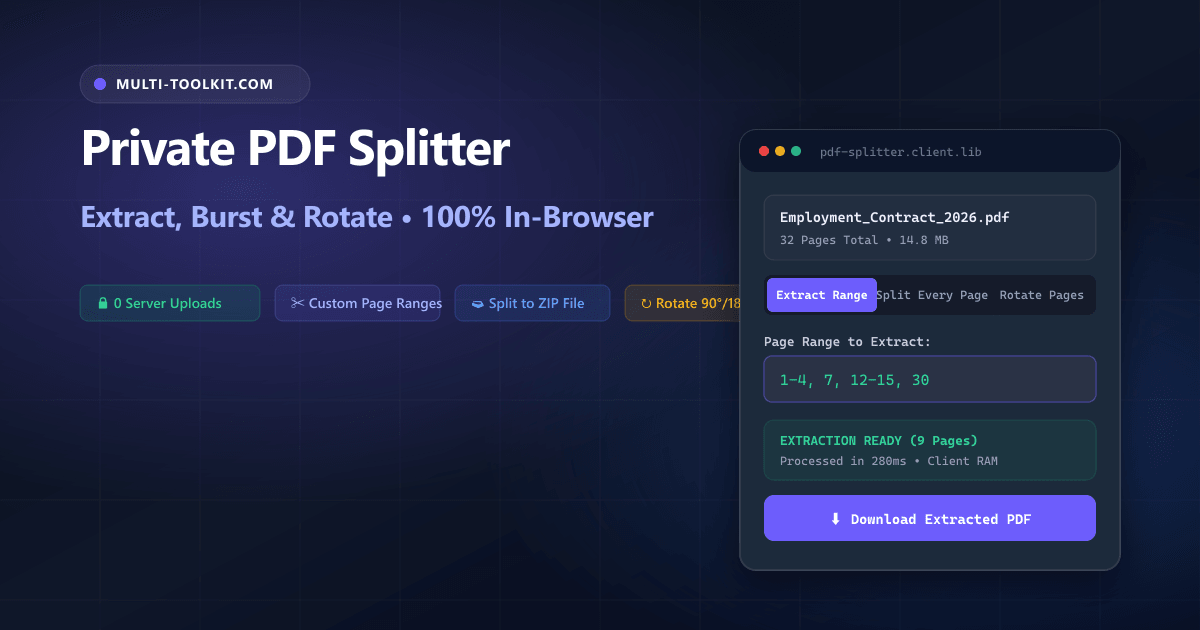
Stop uploading 50-page contracts to cloud converters: extract custom page ranges, burst every page into individual PDFs with ZIP download, and rotate misaligned pages 100% inside your browser with zero limits.
Whether you are isolating signature pages from a 40-page commercial lease, separating individual invoices from a monthly accounting bundle, or extracting specific chapters from an academic textbook, splitting PDF documents is one of the most frequent administrative tasks in modern digital work.
However, searching Google for a split pdf online free no upload tool routinely leads users to cloud converters that demand full document uploads. In doing so, legal assistants, accountants, healthcare professionals, and students unwittingly upload confidential records to shared remote servers.
These legacy cloud converters not only expose private data to security vulnerabilities but also enforce aggressive restrictions—such as capping free users at 2 conversions per day, throttling processing queues behind expensive subscriptions, or stamping extracted pages with watermarks.
To eliminate these privacy risks and artificial paywalls, the Multi-Toolkit PDF Splitter provides an open, permanent, and client-side private pdf page extractor. Powered by pdf-lib and JSZip, it extracts, bursts, and rotates pages directly inside your browser memory without uploading a single byte to any remote server.
The cloud converter trap: why uploading PDFs to extract pages is a critical risk
1. Severe data leaks and corporate confidentiality breaches
When you upload a multi-page PDF to a cloud service to extract two pages, the entire unredacted document is transmitted across the internet and stored on external multi-tenant infrastructure. For legal counsel, healthcare providers, and corporate finance teams, uploading proprietary contracts, non-disclosure agreements, or employee records violates strict data governance policies (including GDPR, HIPAA, and SOC 2).
2. Artificial 2-file daily quotas and paywalls
Major cloud portals (such as Smallpdf and iLovePDF) heavily restrict free usage. After splitting just two files, free users are blocked by aggressive paywalls demanding $7 to $12 monthly recurring subscriptions or forced 24-hour cooldown periods.
3. Bandwidth overhead on large scanned bundles
Scanned legal filings and architectural drawings often exceed 50 MB. Uploading a massive file over mobile data or slow office Wi-Fi just to download a tiny 500 KB signature page is slow, inefficient, and frustrating.
In-browser architecture: how Multi-Toolkit splits PDFs in local memory
Multi-Toolkit moves the entire document parsing, page isolation, and stream compilation pipeline into client-side JavaScript.
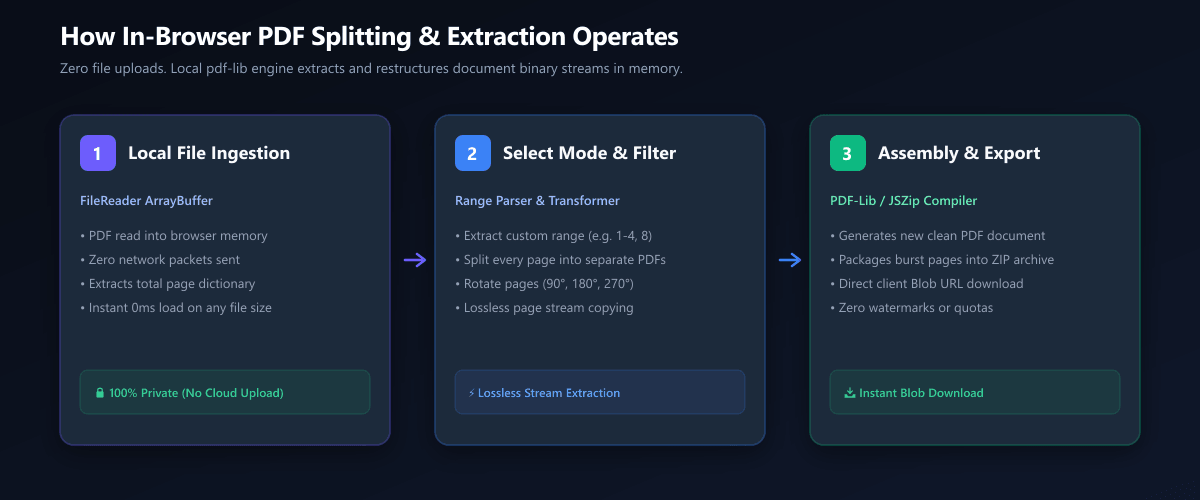
1. ArrayBuffer Ingestion
The PDF file is read locally via the HTML5 FileReader API. Zero network requests or file transfers occur.
2. Lossless Object Copying
pdf-lib traverses the document cross-reference table and clones target /Page dictionaries losslessly.
3. Instant Blob Download
Extracted pages are compiled into a new clean PDF or packaged into a .zip archive via JSZip.
3 dedicated operation modes: extract, burst, and rotate
| Mode | Input Syntax / Action | Output Format |
|---|---|---|
| Extract Pages | Custom ranges (e.g. 1-4, 7, 12-15) | Single combined PDF document |
| Split Every Page (Burst) | Disassembles all N pages in one click | Compressed .zip of individual PDFs |
| Rotate Pages | Re-orient 90°, 180°, or 270° clockwise | Re-oriented PDF document |
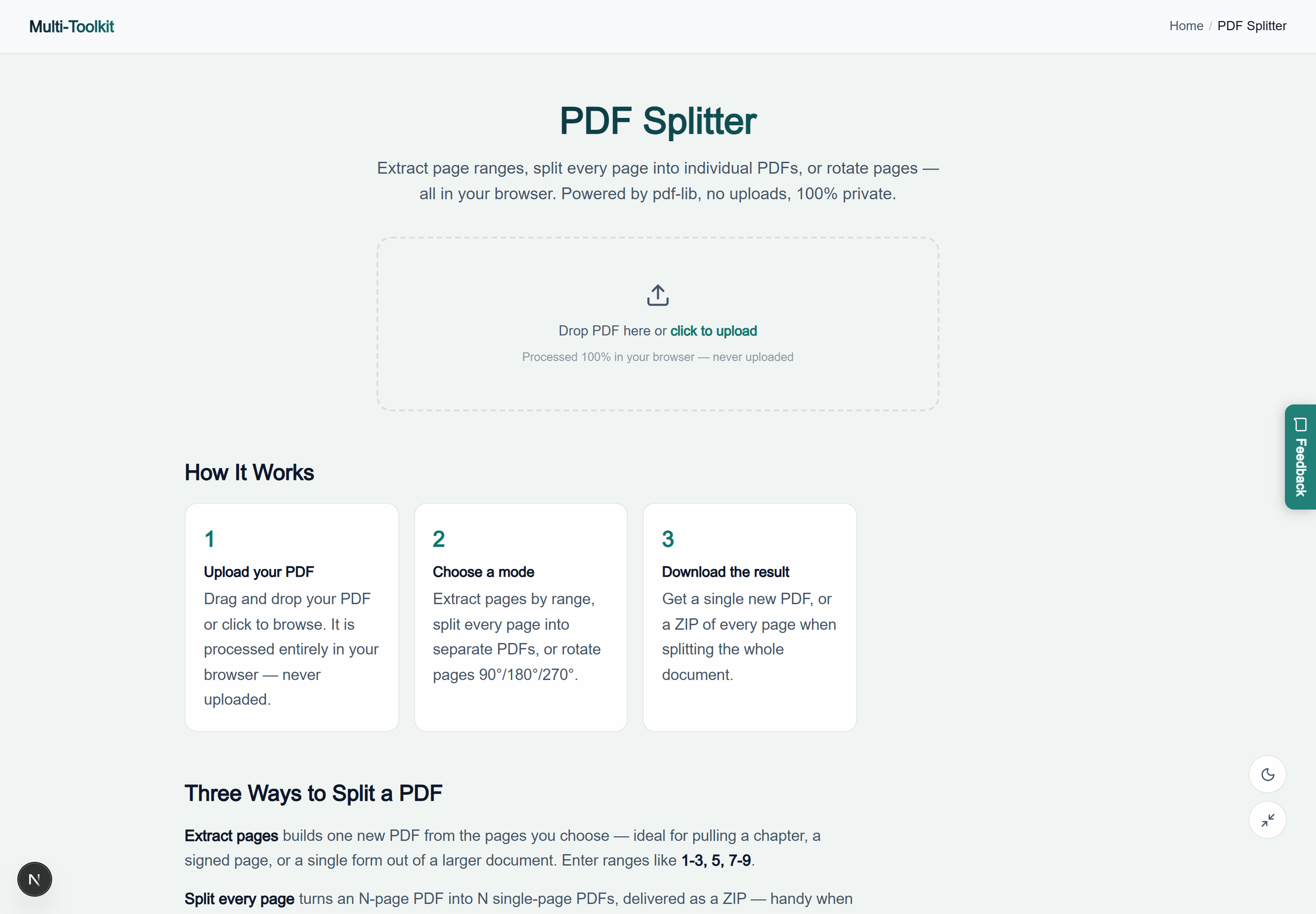
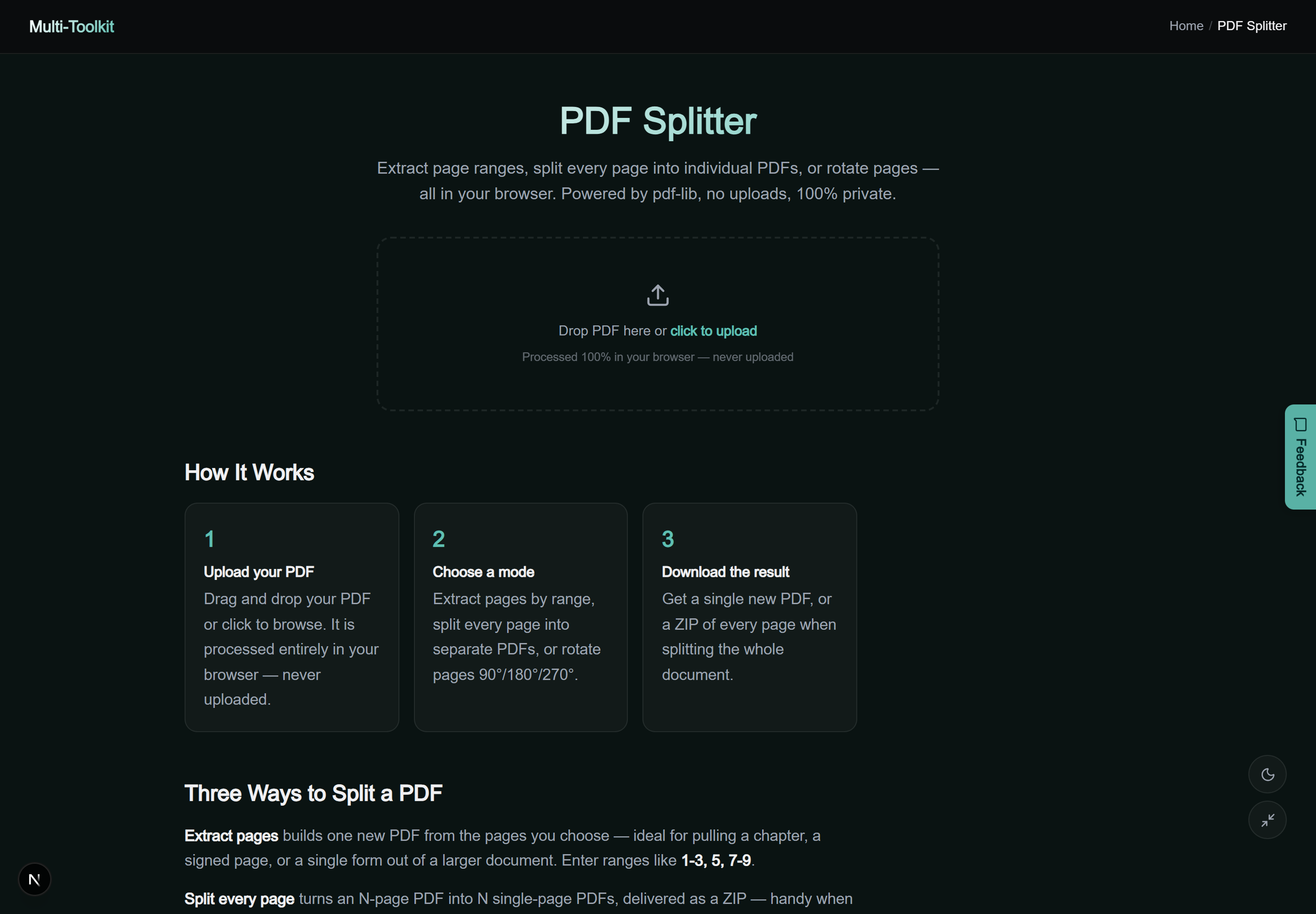
Dual-mode interface preview
Multi-Toolkit PDF Splitter provides an intuitive, responsive interface optimized for desktop and mobile displays:
Technical deep-dive: lossless stream copying vs. raster re-encoding
Many low-quality PDF splitters convert PDF pages into 300 DPI bitmap images before re-assembling them into a new document. This flawed process destroys searchable text layers, converts crisp vector fonts into fuzzy raster pixels, and inflates file size.
Multi-Toolkit performs lossless object stream copying. When a page is extracted, pdf-lib copies the exact /Contents streams, embedded font definitions, vector paths, and interactive annotations directly into the new document structure without decoding or re-encoding. The resulting file maintains 100% vector sharpness, complete text searchability, and minimal file size.
Step-by-step: how to extract and split PDF pages
- Open Tool & Load PDF: Open the PDF Splitter and drop your PDF file onto the page.
- Select Desired Mode:
- Extract custom pages: Enter the target page numbers (e.g.
1-3, 5, 8-10). - Split every page: Click “Split every page” to separate each page into its own file.
- Rotate pages: Choose 90°, 180°, or 270° rotation.
- Extract custom pages: Enter the target page numbers (e.g.
- Download Instantly: Click Download Extracted PDF or Download ZIP. The file is delivered directly from local memory in milliseconds.
Comparative feature matrix: Multi-Toolkit vs. Alternatives
| Feature | Multi-Toolkit | iLovePDF | Smallpdf | Adobe Acrobat Online |
|---|---|---|---|---|
| Pricing | 100% Free Forever | Freemium ($7/mo) | Freemium ($12/mo) | Freemium ($19/mo) |
| Daily File Limit | Unlimited Usage | 2 files / day | 2 files / day | 1 file / day (Login required) |
| Client-Side Privacy | 0 Bytes Uploaded | Cloud Uploaded | Cloud Uploaded | Adobe Cloud Account |
| Burst to ZIP Archive | 1-Click Download | Yes (Ad supported) | Yes | Paywalled |
| Lossless Vector Text | 100% Preserved | Preserved | Preserved | Preserved |
Common pitfalls & page range tips
- Pagination Syntax: Use commas for individual pages (
1, 5, 8) and hyphens for continuous ranges (1-4, 10-15). - Out-of-Bounds Numbers: If you enter page numbers exceeding the total document length (e.g. requesting page 40 on a 25-page document), Multi-Toolkit automatically skips the invalid index without erroring.
- Duplicate Page Entries: Entering overlapping ranges (e.g.
1-5, 3-7) automatically deduplicates indices and produces clean ascending pages (1, 2, 3, 4, 5, 6, 7). - Password-Protected PDFs: If a document has owner encryption preventing page extraction, decrypt the file before loading it into the splitter.
Frequently asked questions
Is my PDF uploaded to any server when splitting?
No. All splitting, page extraction, and rotation execute entirely inside your local browser memory using pdf-lib. No files or data bytes are ever transmitted over the network.
What is the difference between “Extract pages” and “Split every page”?
Extract pages allows you to select specific pages (e.g., 1-3, 5) and combines them into one new PDF. Split every page breaks the entire document into individual 1-page PDF files and bundles them into a single downloadable ZIP archive.
Can I rotate specific pages in a PDF without rotating the whole file?
Yes. Choose Rotate pages, select the rotation angle (90°, 180°, or 270°), and specify the exact page numbers you wish to rotate.
Will extracted PDF pages lose quality or text searchability?
No. Multi-Toolkit performs lossless stream copying. Vector fonts, high-resolution embedded images, and searchable text layers remain identical to the original document.
Is there a file size or page limit?
There are no artificial software limits. You can process documents with hundreds of pages directly on your device. Performance scales with your computer or smartphone’s CPU and memory.
Split, extract, burst to ZIP, and rotate PDF pages—100% in your browser with complete privacy:
Open Free PDF Splitter →