pdf-lib—letting you combine and reorder unlimited PDF files on-device with zero server uploads, no watermarks, no daily quotas, and complete privacy.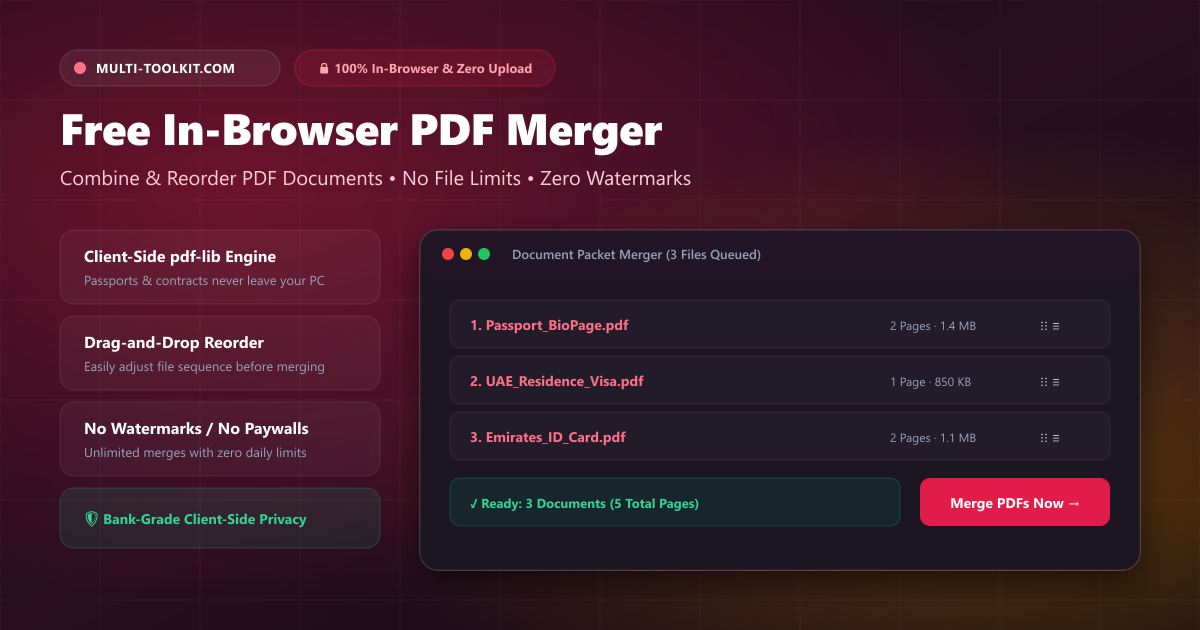
Whether you are applying for a job, submitting a residence visa application in the GCC, assembling a legal contract, or organizing tax receipts, combining multiple PDF files into a single structured document is an almost daily task.
Yet for years, the standard workflow has involved uploading sensitive files—including passport scans, bank statements, employment contracts, and salary certificates—to generic online PDF conversion websites. These traditional cloud-based PDF mergers upload your documents to third-party servers, queue them on shared processing pipelines, and frequently impose arbitrary restrictions: locking bulk merging behind paywalls, capping free use to 2–3 files per day, or stamping output files with intrusive promotional watermarks.
The Multi-Toolkit PDF Merger solves this problem with client-side cryptography and modern web standards. Built with pdf-lib and Web Worker technology, it provides a 100% in-browser merge pdf tool that joins, rearranges, and exports your PDF files locally on your device without transmitting a single byte over the internet.
The hidden traps of cloud-based PDF mergers
1. Severe privacy & data exposure risks
When you upload a multi-page legal contract, medical record, or government application bundle to a cloud PDF service, your files are transmitted to an external server. Even when websites claim files are “automatically deleted after 60 minutes,” temporary server storage leaves your sensitive financial and identification data exposed to server breaches, logging, and third-party scraping.
2. Artificial paywalls, daily caps & forced sign-ups
Incumbent tools (such as iLovePDF, Smallpdf, and PDF2Go) aggressively monetize basic PDF joining by imposing 2-file or 3-file merge limits for free users, enforcing strict 24-hour waiting periods between tasks unless you purchase a monthly subscription, or requiring mandatory account sign-up before allowing downloads.
3. File reordering frustrations
Many cloud tools force files into rigid alphabetical or upload-order sequences, requiring you to re-upload files repeatedly if a single attachment is out of order.
How the Multi-Toolkit PDF Merger works
The Multi-Toolkit PDF Merger is engineered to provide complete control and absolute document privacy:
- 100% Client-Side Engine: Powered by
pdf-lib, the entire binary merging process happens inside your web browser’s memory. Your confidential documents never leave your laptop or smartphone. - Intuitive Drag-and-Drop Reordering: Easily arrange, re-sequence, and sort your queued documents using interactive drag handles and up/down movement buttons before triggering the merge.
- Automatic Page Count Inspection: Automatically inspects and previews the total page count of each individual file, displaying the exact final page tally of your merged bundle.
- Zero Watermarks & Preserved Original Quality: Merges raw PDF vector streams and raster images losslessly without downscaling resolution or adding promotional branding.
- Free & Unlimited Forever: Combine as many documents as you need with zero daily quotas, zero file count caps, and no account requirements.
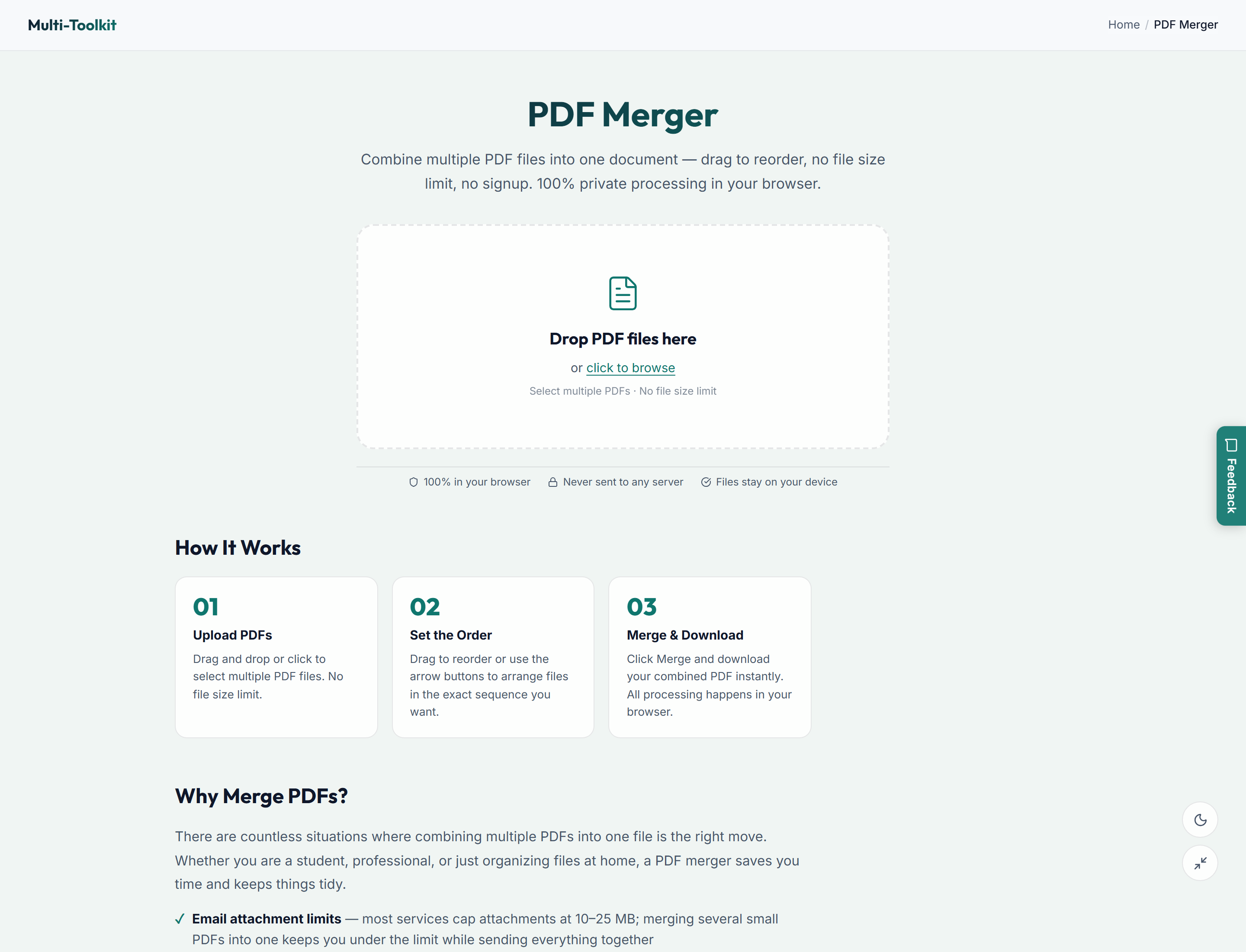
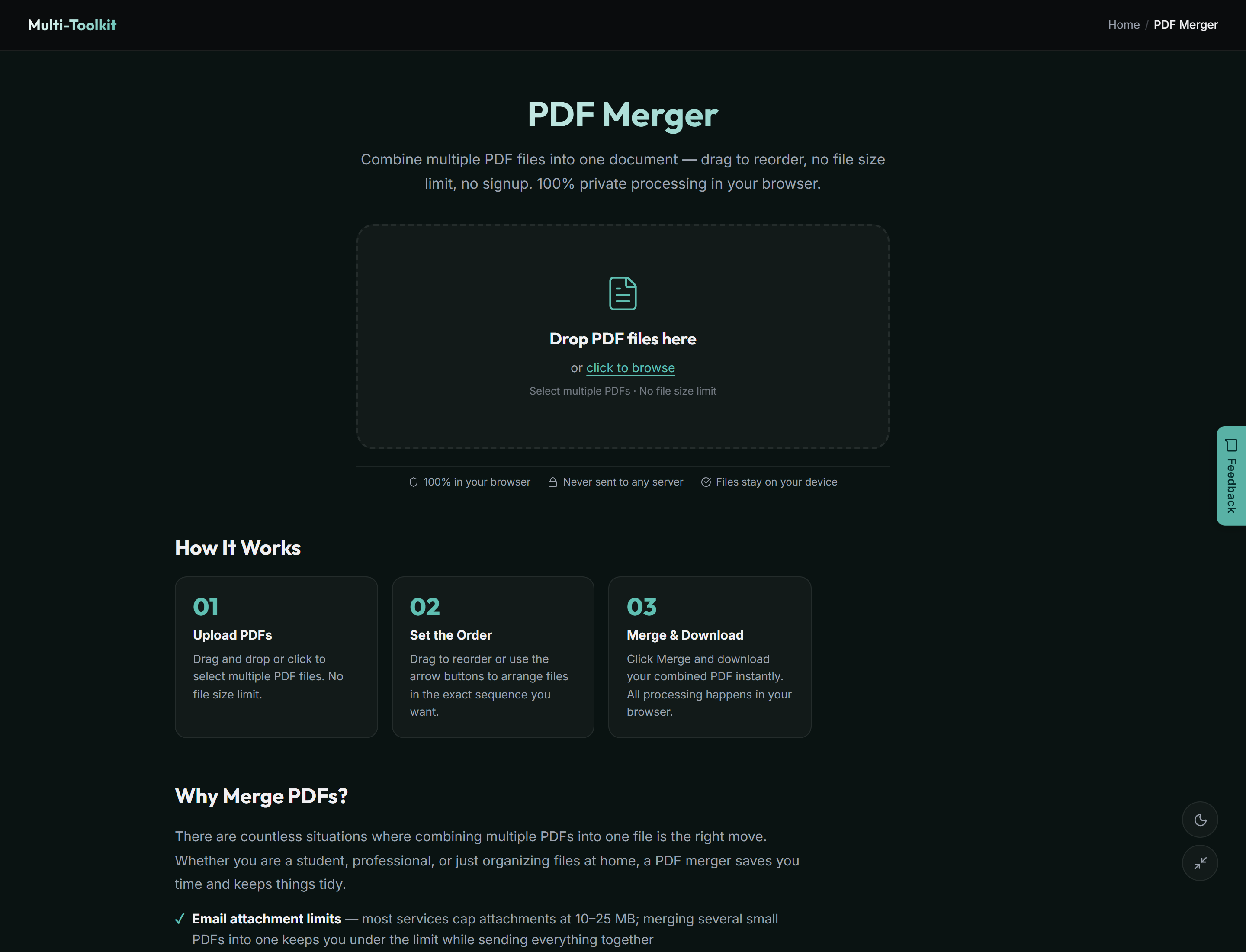
User interface: Light & dark modes
Designed with a clean, distraction-free interface optimized for fast desktop and mobile document workflows:
How to merge PDF files in 4 simple steps
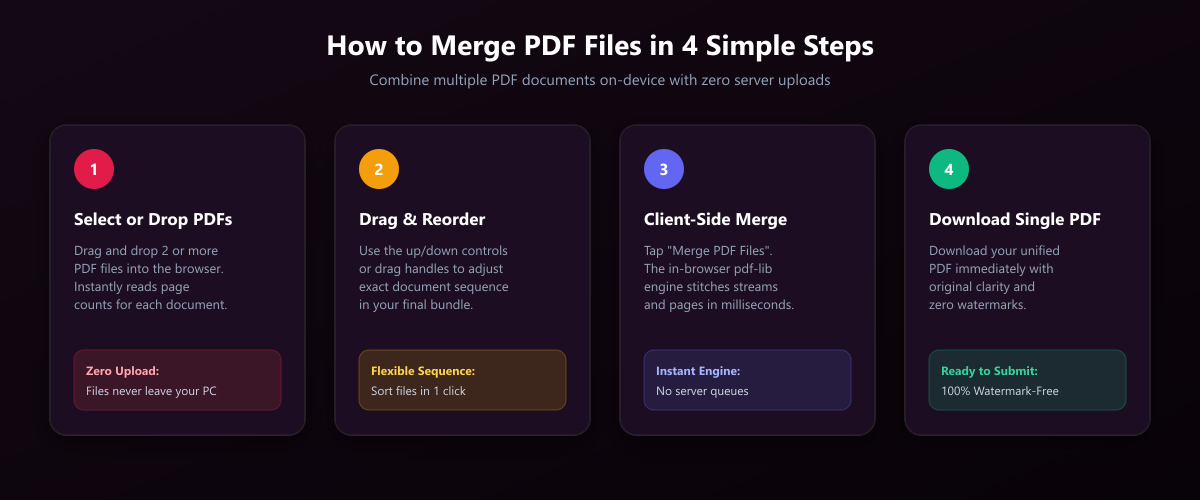
- Drop or select your PDF files: Open the PDF Merger and drag & drop two or more PDF documents into the upload area (or click “Choose Files” to browse your local storage).
- Organize & reorder document sequence: Inspect the queued files. Use the intuitive drag handles (
⋮⋮) or the up and down arrow buttons to arrange your documents in the exact order you want them to appear in the combined PDF. - Click “Merge PDF Files”: Tap the “Merge PDF Files” button. The in-browser engine copies and stitches the document streams in milliseconds.
- Download your unified PDF: Click Download Merged PDF to save your clean, watermark-free document directly to your computer or mobile device.
Common real-world use cases (GCC & global)
- GCC Government & Visa Application Packets: Consolidate your Passport bio-page, UAE Residence Visa, Emirates ID / CPR copy, and attested degree certificates into a single unified PDF for upload to government portals (ICP, GDRFA, Absher, NPRA).
- Employment Contracts & HR Onboarding: Combine offer letters, non-disclosure agreements (NDAs), bank details, and signed employee handbooks into one structured file.
- Accounting & Tax Filing: Stitch monthly invoices, expense receipts, and bank statements into organized annual audit packets.
- Academic & Thesis Submissions: Merge research papers, appendices, bibliographies, and cover letters into a single publication-ready thesis.
- Real Estate & Tenancy Contracts: Combine Ejari / tenancy agreements, utility bills, and payment receipts for landlord and municipal submissions.
Multi-Toolkit vs. cloud PDF mergers
| Feature | Multi-Toolkit PDF Merger | iLovePDF / Smallpdf | Adobe Acrobat Online |
|---|---|---|---|
| Data Privacy (Zero Server Uploads) | 100% In-Browser (Local) | Uploads files to remote servers | Uploads to Adobe Cloud |
| Daily File Limit | Unlimited (Free forever) | 2–3 tasks/day free limit | Limited free tasks |
| Forced Account Registration | None | Required for multiple merges | Required after 1 merge |
| Document Reordering | Drag & Drop + Up/Down arrows | Basic | Gated behind login |
| Watermarks | None (100% clean) | None (but limited) | None (prompts upgrade) |
| Works Offline | Yes (once page loaded) | No (requires internet) | No |
| Preserves Original Resolution | Lossless stream copy | Often compressed | Lossless |
Frequently asked questions
How do I merge PDF files for free without uploading them to a website?
Open the Multi-Toolkit PDF Merger in your web browser. Drag and drop the PDF files you wish to combine, arrange them in your desired order, and click “Merge PDF Files”. The tool processes the binary streams locally on your device via JavaScript without uploading any files to a remote server.
Are my documents uploaded or stored on any server?
No. The entire merging operation occurs directly in your web browser’s client-side memory. Your passports, contracts, financial statements, and personal records never leave your device.
Can I reorder files before merging?
Yes. The tool provides interactive drag handles and up/down arrow buttons on each queued file card so you can customize the exact page sequence of your final merged PDF before generating the document.
Is there a file count or file size limit?
There are no arbitrary software limits on file count or daily tasks. You can merge dozens of documents simultaneously. The only practical boundary is your local device’s available RAM.
Does the merged PDF contain any watermarks or branding?
No. The downloaded PDF is 100% clean, professional, and free of any watermarks, stamps, or promotional cover pages.
Can I merge PDF files on my smartphone?
Yes. The PDF Merger is fully responsive and functions smoothly in mobile browsers (Safari on iPhone, Chrome on Android) without requiring any app store downloads.
Merge your PDF documents locally with zero uploads — 100% free and unlimited:
Open PDF Merger →Related PDF & document tools: PDF Splitter · PDF Compressor · PDF Lab · Image Compressor