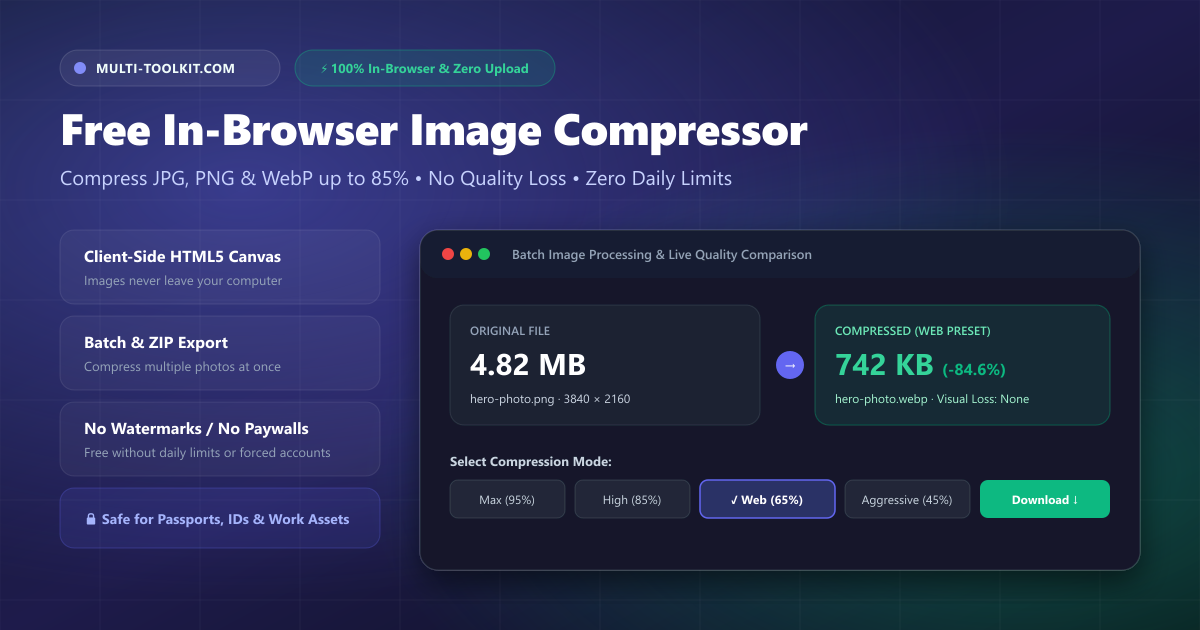
High-resolution photos, smartphone snapshots, and digital graphics are larger than ever, frequently weighing between 3 MB and 15 MB per file. Yet almost every online portal—from government visa applications and job boards to e-commerce stores and email clients—enforces strict upload limits (often capping images at 500 KB to 2 MB).
To meet these size caps, millions of users routinely drag sensitive photos, passport scans, national ID cards, and proprietary work graphics into generic cloud compression websites. What most people do not realize is that traditional cloud compressors upload your confidential files to remote servers, process them on shared infrastructure, store them temporarily in cloud caches, and frequently gate features behind paywalls, subscription tiers, and artificial daily limits.
The Multi-Toolkit Image Compressor changes this entirely. Powered by client-side HTML5 Canvas and Web Worker technology, it provides a 100% in-browser image compressor that shrinks JPEG, PNG, WebP, AVIF, and GIF files by up to 85% without ever uploading a single byte to any remote server.
The hidden traps of cloud image compressors
1. Privacy & security risks with sensitive photos
When you compress a personal photograph, passport scan, residence visa document, or proprietary design on a standard cloud compressor, the file travels across the internet to a third-party server. Even services that promise “automatic deletion after 1 hour” leave your data vulnerable to server logging, man-in-the-middle interception, and unauthorized storage.
2. Artificial paywalls, daily caps & forced sign-ups
Most legacy tools (such as TinyPNG, iLoveIMG, or Compress2Go) restrict free users by limiting you to 5–20 compressions per day, restricting batch downloads unless you create an account, capping file sizes to force upgrades, or stamping images with intrusive watermarks.
3. Slow upload queues & bandwidth waste
Uploading a 10 MB image over mobile data or hotel Wi-Fi just to download a 1 MB compressed version wastes bandwidth and creates unnecessary latency. If your network connection drops mid-upload, the entire process fails.
How the Multi-Toolkit Image Compressor works
The Multi-Toolkit Image Compressor uses modern web standards to handle the entire compression lifecycle locally on your CPU and GPU:
- 100% Client-Side Engine: Images are decoded, optimized, and re-encoded locally in your browser tab using the HTML5 Canvas API. Your files never leave your computer or phone.
- Granular Quality Presets & Custom Slider: Choose from 5 calibrated presets (Max 95%, High 85%, Balanced 75%, Web 65%, Aggressive 45%) or adjust the custom quality slider from 1% to 100% to achieve your exact target file size.
- Interactive Split-Pane Comparison: Inspect original versus compressed pixels side-by-side using an interactive visual slider before downloading.
- Format Conversion on the Fly: Convert heavy PNG and JPEG images into modern, highly compressed WebP files in one step.
- Batch Processing & ZIP Download: Drop dozens of photos simultaneously and download all optimized assets packaged in a single ZIP file.
- Free & Unlimited Forever: No account registration, no daily quota, no file-count limits, and zero watermarks.
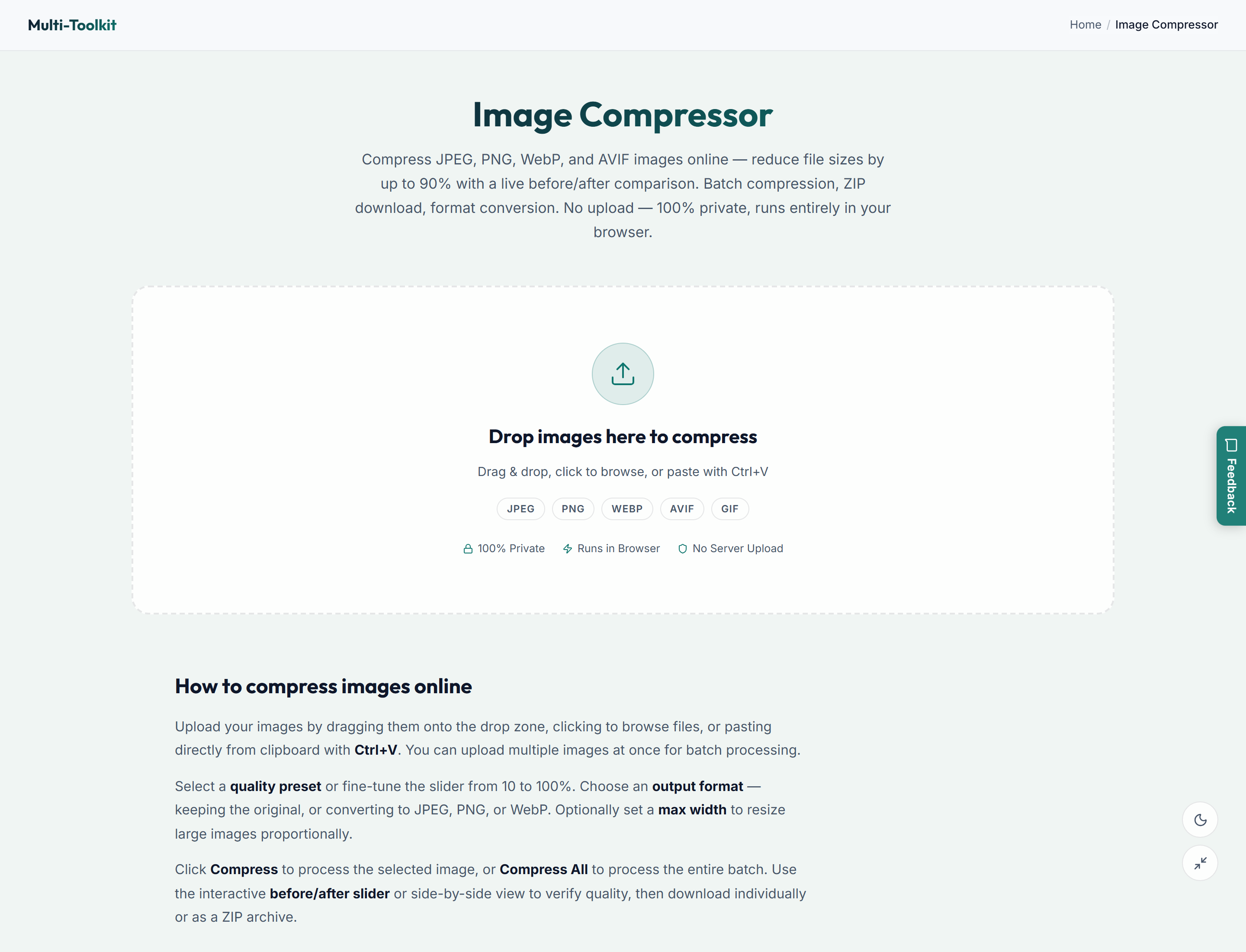
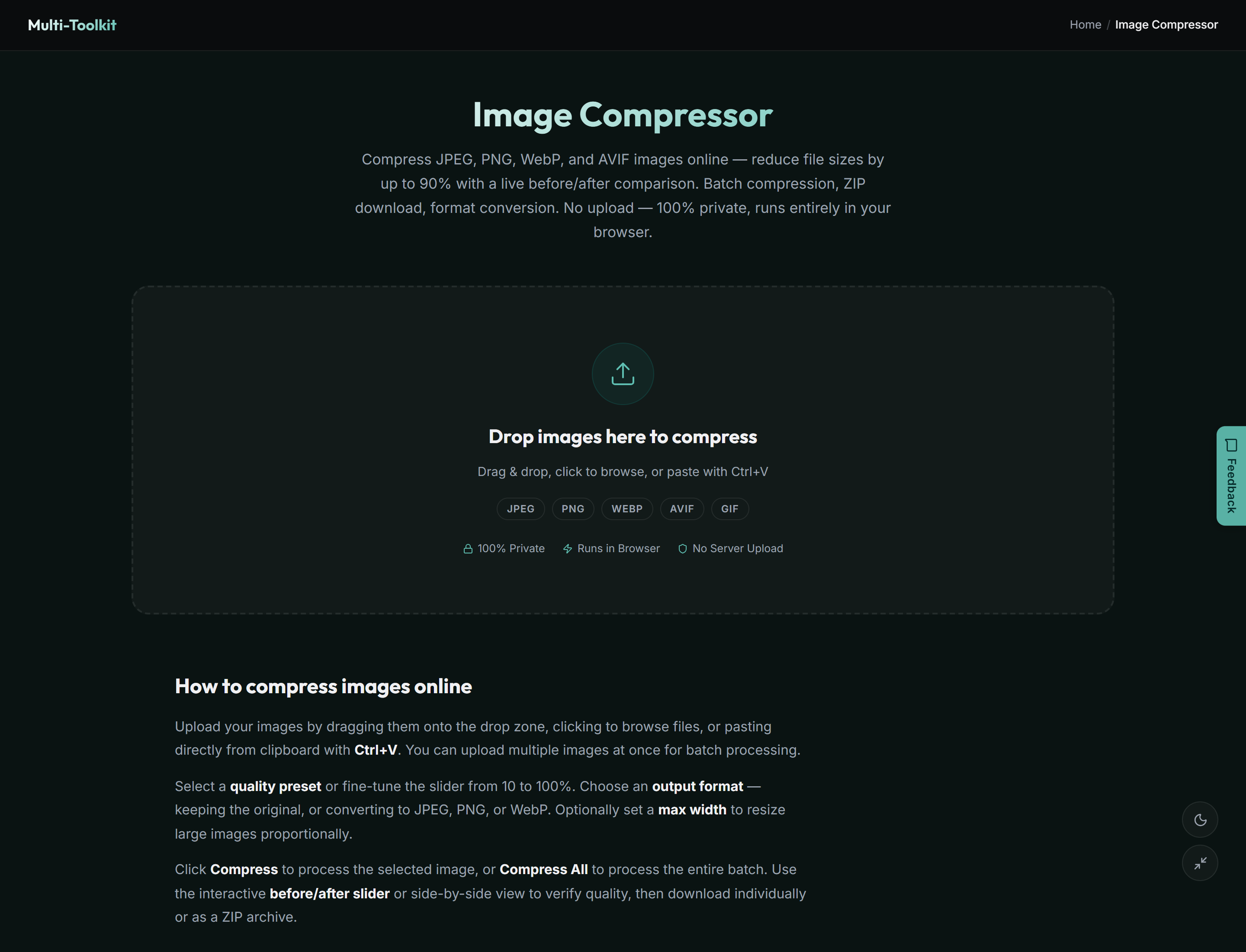
User interface: Light & dark modes
Designed with a clean, responsive interface that adapts seamlessly to desktop and mobile:
How to compress images in 4 simple steps
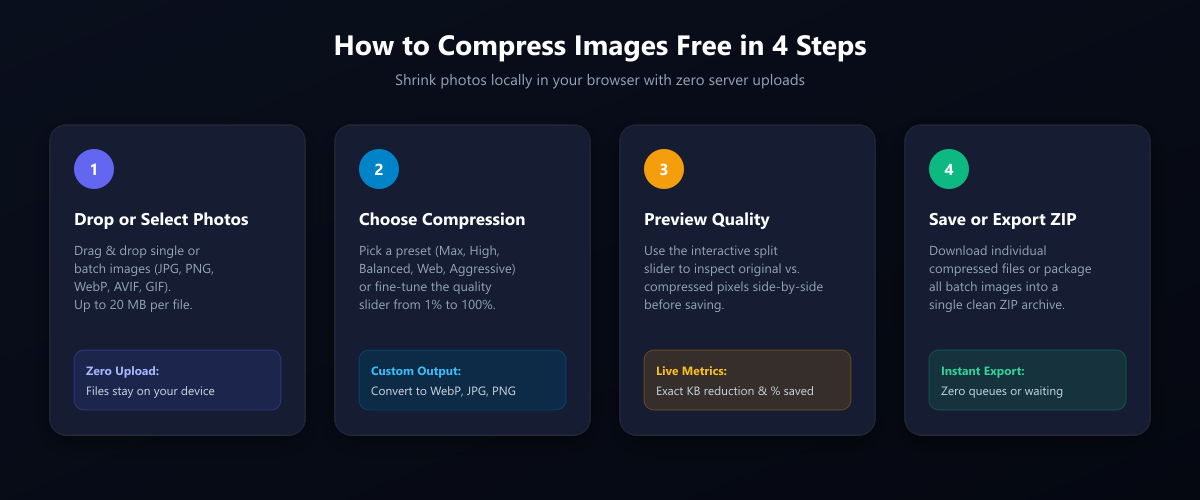
- Drop or select your images: Open the Image Compressor and drag & drop single or batch images into the upload zone (supports JPG, PNG, WebP, AVIF, and GIF up to 20 MB each).
- Choose your quality preset: Select a preset based on your needs. For website graphics and online portals, the Web (65%) or Balanced (75%) preset delivers a dramatic 70%–85% file size reduction with zero visible pixelation.
- Inspect the before / after live preview: Slide the interactive comparison divider across your image to confirm that sharpness, colors, and edges remain crystal clear. View the live reduction metric showing exact kilobytes saved.
- Download individually or export all as ZIP: Click Download on any individual image or tap Download All as ZIP to export your entire batch in seconds.
Common use cases across the GCC & worldwide
- Government & Visa Portal Uploads: GCC visa and tender platforms (UAE ICP/GDRFA, Saudi Absher/Muqeem, Bahrain NPRA, Qatar Mol) enforce strict 500 KB or 1 MB photo size caps. Shrink your passport photos and ID scans locally without privacy risk.
- Web & E-Commerce Optimization: Reduce Shopify, WordPress, and Next.js page weight to boost Core Web Vitals (LCP/INP) and improve search engine rankings.
- Email & WhatsApp Attachments: Fit multiple high-res photos within standard 20 MB email attachment limits.
- Resumes & Portfolio Submissions: Optimize headshots and portfolio attachments when submitting job applications through our AI Resume Builder.
- Device Storage Relief: Free up gigabytes of storage on phones, laptops, and cloud drives by compressing photo archives.
Multi-Toolkit vs. cloud image compressors
| Feature | Multi-Toolkit Image Compressor | TinyPNG / Cloud Competitors | Desktop Photo Editors |
|---|---|---|---|
| Data Privacy (Zero Server Uploads) | 100% In-Browser (Local) | Uploads files to remote servers | Local on machine |
| Daily File Limit | Unlimited (Free forever) | 20 images/day free cap | None |
| Forced Account Registration | None | Required for bulk downloads | Paid license |
| Interactive Before/After Preview | Live split-pane comparison | Basic thumbnail | Complex UI |
| Custom Quality & Format Control | 1%–100% + WebP conversion | Fixed black-box output | Full manual |
| Watermarks | None | None | Free versions watermark |
| Works Offline | Yes (once page loaded) | No (requires cloud server) | Yes |
Frequently asked questions
How do I compress an image without losing quality?
To compress an image without visible quality loss, use a modern compression algorithm like WebP or high-efficiency JPEG with a quality setting between 75% and 85%. This removes redundant color and metadata information that the human eye cannot perceive while reducing file size by 60% to 80%. Use our interactive split-pane slider to verify visual fidelity before downloading.
Are my photos or documents uploaded to your server?
No. The Multi-Toolkit Image Compressor processes all images entirely on your local device using the browser’s HTML5 Canvas API. Your files never leave your computer or phone, making it completely safe for sensitive documents, ID cards, and personal photographs.
What image formats are supported?
You can import JPEG, PNG, WebP, AVIF, and GIF files. You can export compressed files as JPEG, PNG, or WebP, allowing you to convert formats automatically during compression.
Is there a file size limit or daily compression quota?
There is no daily limit and no restriction on the number of images you can compress. The tool supports individual image files up to 20 MB each.
Can I compress images on my smartphone?
Yes. The Image Compressor runs directly in mobile web browsers (Safari on iPhone, Chrome on Android) without needing any app store download.
How small can I make a photo for an online government portal?
Using the Balanced (75%) or Aggressive (45%) preset, or by combining compression with our maximum width resizing slider, you can easily reduce a 5 MB smartphone photo down to under 200 KB to satisfy any strict portal size limit.
Compress your images locally with zero uploads — 100% free and unlimited:
Open Image Compressor →Related image & document tools: Image Resizer · Image Cropper · PDF Compressor · Background Remover