Stop uploading your photos to cloud background removers: remove backgrounds 100% in your browser at full 4K resolution with on-device AI.
Every week, millions of e-commerce sellers, graphic designers, expat job seekers, and digital creators need to remove backgrounds from product shots, professional headshots, and marketing graphics.
Yet for years, the standard workflow has meant uploading private images to third-party cloud tools like Remove.bg, Canva, or PhotoRoom. Beneath their convenience lies a frustrating reality: traditional tools transmit your unencrypted photos to remote servers, downscale free downloads to blurry 0.25-megapixel previews, and demand \$0.20 to \$1.99 per image or \$29/month subscriptions just to retrieve your original full resolution.
The Multi-Toolkit AI Background Remover solves this problem permanently. Built with lightweight WebAssembly (WASM) neural networks and client-side Web Workers, it provides a 100% in-browser free online background remover no upload tool that segments subjects in milliseconds right in your browser memory—with zero bytes ever sent over the internet.
The hidden traps of cloud background removers
1. Severe privacy & data security vulnerabilities
When you click “Upload” on conventional background removers, your personal portraits, client assets, or unreleased product prototypes are transmitted to external servers. Many cloud utility services retain uploaded media in temporary storage pools, analyze metadata, or route images through third-party AI APIs. For enterprise teams, photographers, and privacy-conscious users, uploading confidential media is a significant compliance liability.
2. Aggressive resolution caps & credit paywalls
Most “free” online background tools act as aggressive paywall funnels. They allow you to remove a background for free, but only allow downloading a tiny, compressed preview (e.g., 600×400 px). If you need your original 4K image back for an Amazon listing, high-DPI print, or client deliverable, you are forced to purchase credit bundles or recurring subscriptions.
3. Bandwidth lag & upload queues
Uploading high-resolution 15MB+ camera photos or RAW exports consumes bandwidth and introduces noticeable latency. During peak hours, cloud rendering queues can fail on spotty internet connections.
How the Multi-Toolkit AI Background Remover works
Multi-Toolkit shifts the entire neural segmentation process directly into your browser:
- 100% Client-Side WebAssembly (WASM): An optimized ONNX neural network runs locally via WebAssembly and Web Workers. The entire pixel segmentation happens inside your browser RAM.
- Full Native Resolution: Zero downscaling. Export your cutouts in the exact pixel dimensions and 4K sharpness of your original image.
- 3 Flexible Background Modes: Choose between pure Transparent alpha cutouts, Solid Color backgrounds (pure white or custom hex for e-commerce), and Portrait Blur for cinematic depth of field.
- Interactive Before/After Inspection: Use the interactive split comparison slider to inspect edges, hair strands, and delicate boundaries with pixel precision.
- Free & Offline Ready: No signups, no credit packs, and works completely offline as a Progressive Web App (PWA).
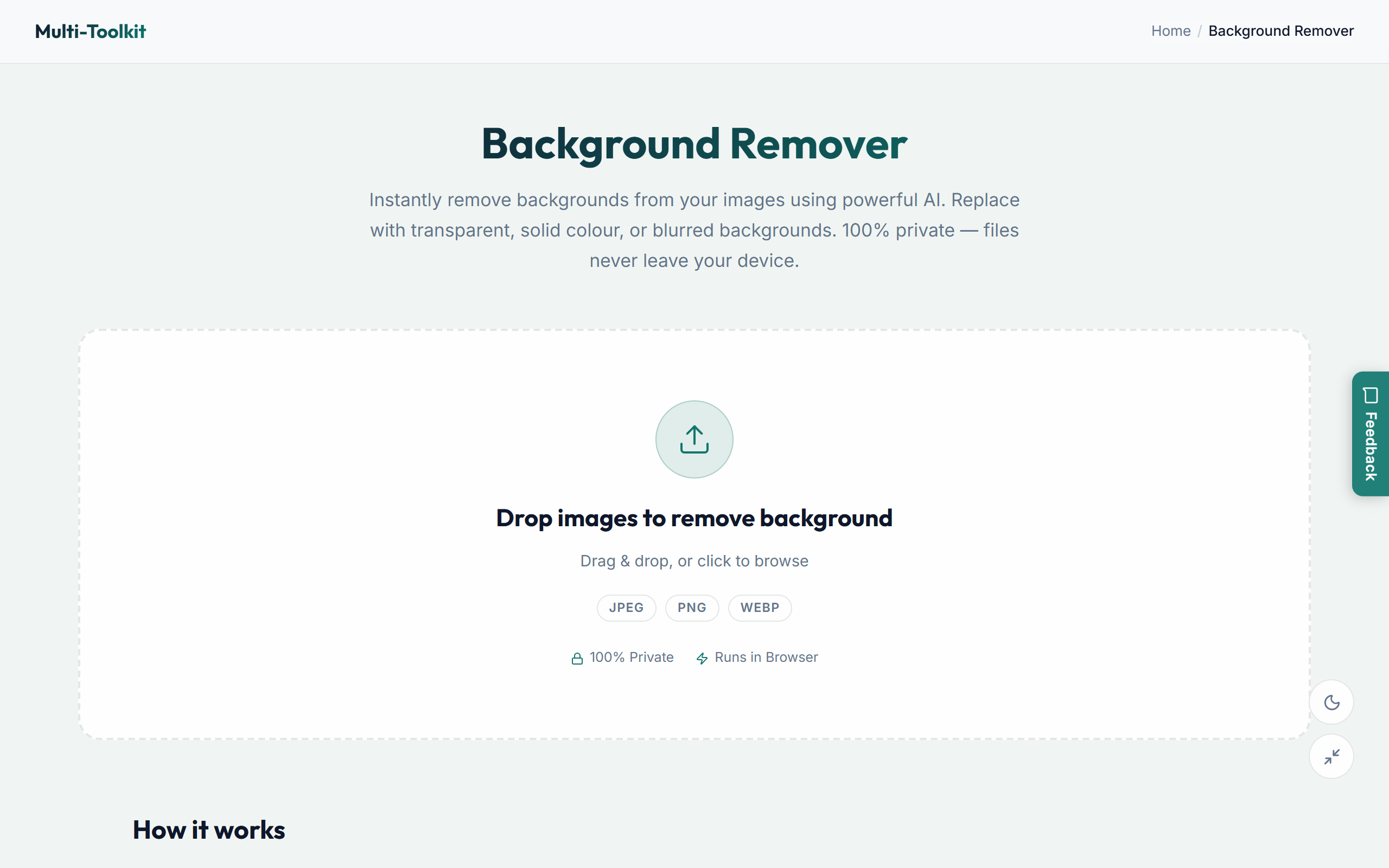
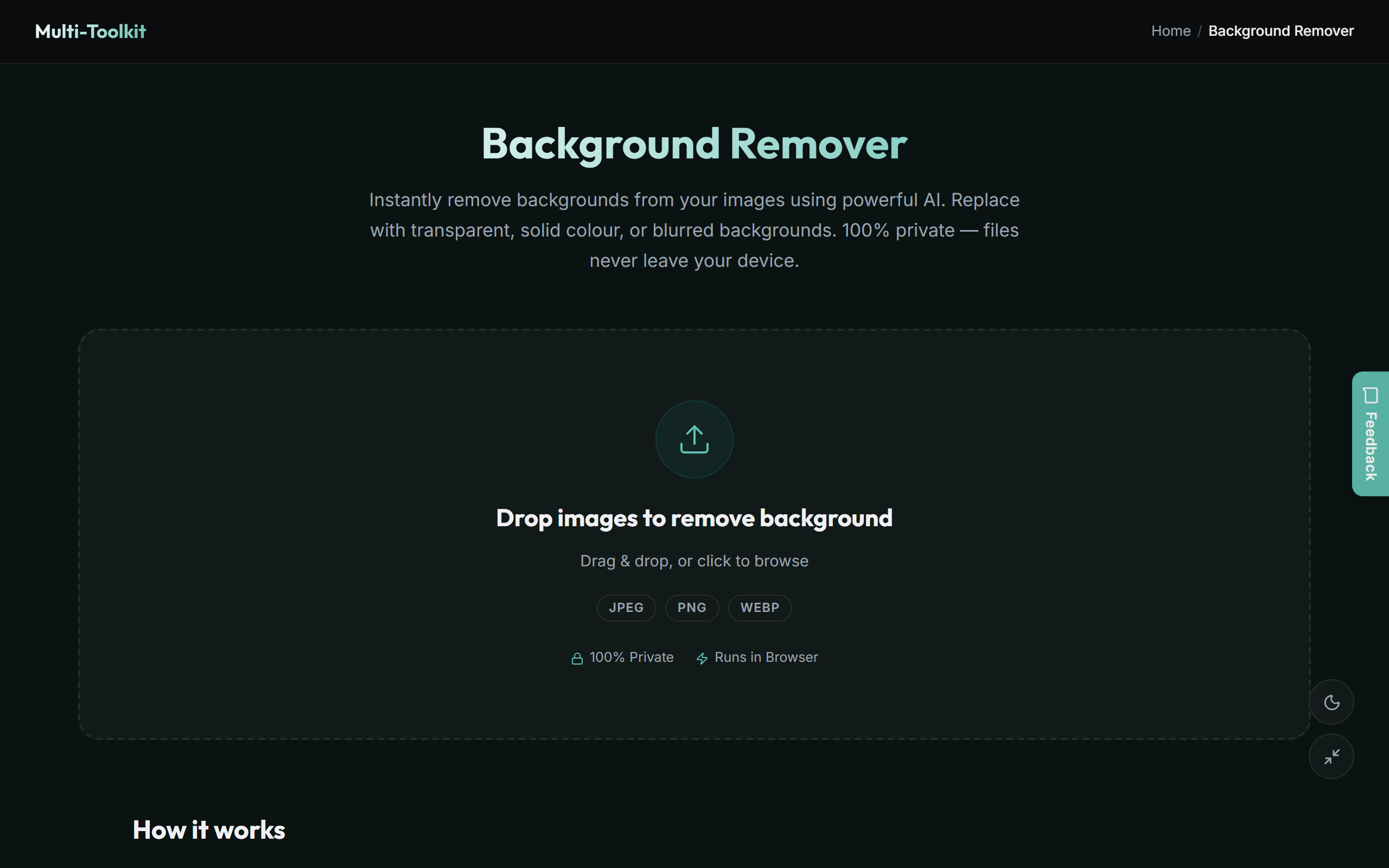
User interface: Light & dark modes
Designed with a clean, high-contrast workspace tailored for precision editing:
How to remove backgrounds in 4 simple steps
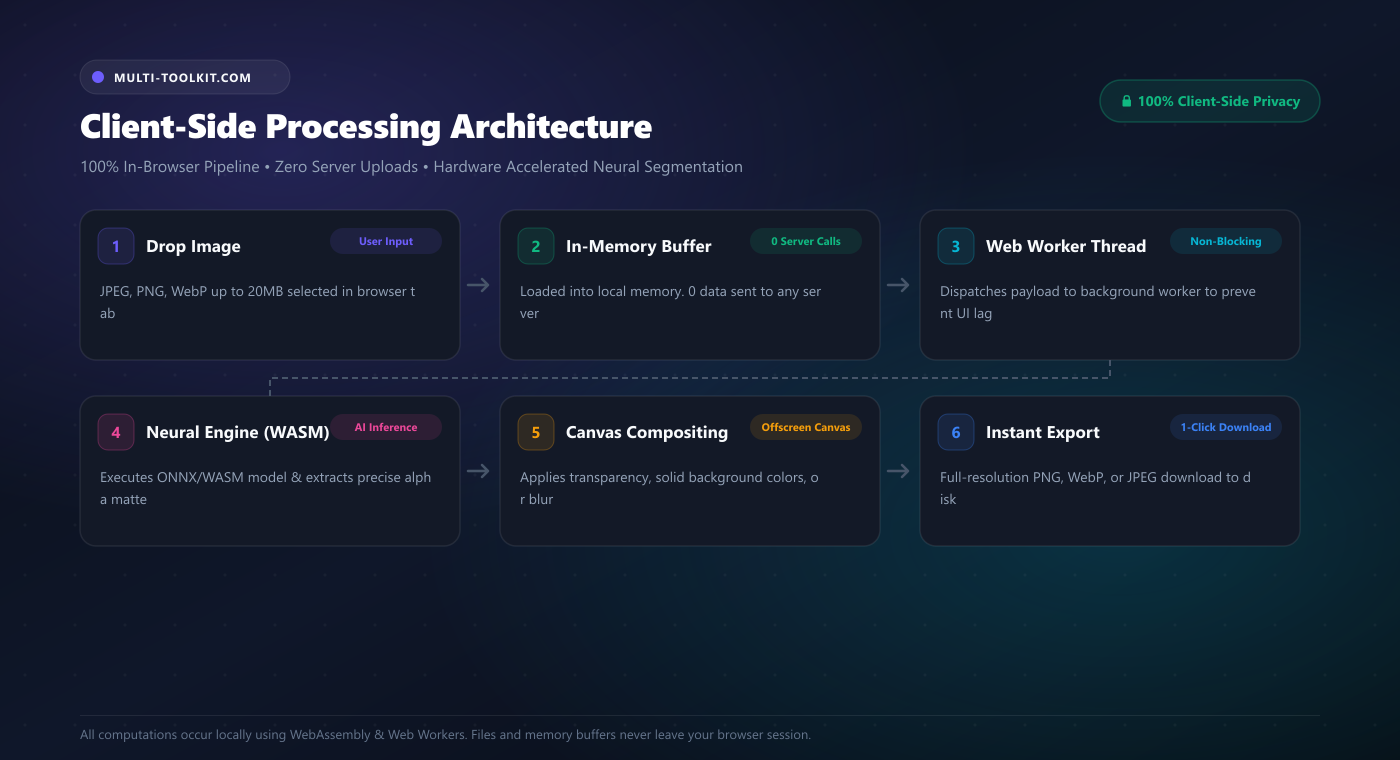
- Drop or select your photo: Open the AI Background Remover and drag & drop any JPG, PNG, or WebP image into the editor.
- Automatic neural segmentation: The in-browser WASM model instantly isolates the foreground subject and generates a crisp alpha mask in milliseconds.
- Choose background style: Keep the background transparent, select a solid backdrop (such as pure white
#FFFFFFfor e-commerce), or apply background blur. - Download in full resolution: Click Download Cutout to save your high-resolution PNG or WebP image with zero watermarks.
Common real-world use cases (GCC & global)
- E-Commerce & Marketplace Product Staging: Instantly convert product photography into clean, white-background listings compliant with Amazon, Noon, Shopify, and eBay marketplace standards.
- Professional Headshots & CV Photos: Clean up background clutter on personal headshots for LinkedIn profiles, résumés, and GCC government visa submissions.
- Marketing Graphics & Social Media Thumbnails: Extract subject cutouts for YouTube thumbnails, Instagram reels, banners, and advertising flyers without needing Photoshop.
- Confidential Client & Prototype Assets: Process unreleased product assets, proprietary hardware, and private agency media with zero risk of cloud data leaks.
- ID & Passport Photo Preparation: Isolate portrait photos and apply official solid background colors for visa, passport, and driving license applications.
Multi-Toolkit vs. traditional cloud background removers
| Feature | Multi-Toolkit AI Background Remover | Remove.bg | Canva / PhotoRoom |
|---|---|---|---|
| Data Privacy (Zero Server Uploads) | 100% In-Browser (Local RAM) | Uploads photos to cloud servers | Uploads to cloud servers |
| Output Resolution | Full Original (4K / 20MB+) | 0.25 MP preview on free tier | Gated behind Pro tier |
| Price / Subscriptions | 100% Free Forever | $0.20–$1.99 / image or $29/mo | $12.99–$14.99 / month |
| Account Required | None (Instant access) | Required for full resolution | Required |
| Background Modes | Transparent, Solid Color, Blur | Basic transparent | Templates included |
| Works Offline | Yes (Full PWA) | No (requires cloud API) | No |
Frequently asked questions
How do I remove an image background for free without uploading it to a server?
Open the Multi-Toolkit AI Background Remover in your web browser. Drag and drop your image into the workspace. The neural segmentation model executes directly in your browser memory via WebAssembly, extracting the subject in seconds without uploading any files over the internet.
Are my private photos uploaded or stored anywhere?
No. All AI inference and image compositing happen entirely inside your web browser’s client-side memory. Your personal portraits, client assets, and confidential product photography never leave your laptop or smartphone.
Does this tool downscale or reduce image resolution?
No. Unlike traditional cloud tools that force downscaled 0.25-megapixel previews on free tiers, Multi-Toolkit processes and exports your cutouts at 100% of the original native resolution (including 4K and 20MB+ files).
Can I change the background to white or blur it?
Yes. You can switch between Transparent cutout mode, Solid Color mode (pure white, grey, or custom hex for e-commerce), and Portrait Blur mode to create a cinematic depth-of-field effect.
What image formats can I upload and download?
You can upload JPG, PNG, WebP, and AVIF images, and export your processed cutout as lossless PNG (with transparent alpha), WebP, or high-quality JPEG.
Does it work offline on mobile phones and laptops?
Yes! Once loaded, the WebAssembly neural model is cached by your browser, allowing the AI Background Remover to work completely offline as a Progressive Web App (PWA).
Remove backgrounds from photos locally with zero uploads — 100% free and full resolution:
Open AI Background Remover →Related image & design tools: Image Compressor · Image Resizer · Image Cropper · Image Marker · Vision Lab