alg: "none" and missing claims), human-readable expiration countdowns, and 1-click formatted JSON exports—operating 100% inside your browser with complete privacy.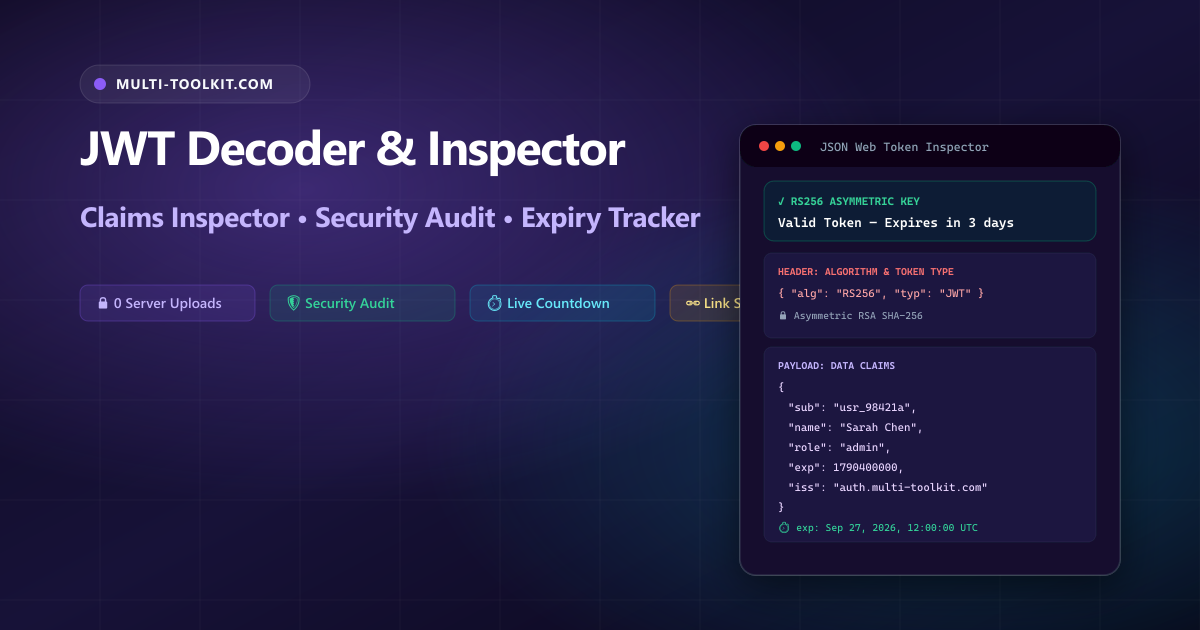
Decode, inspect, and analyze JSON Web Tokens in seconds: audit cryptographic signing algorithms, track active expiration lifetimes, and validate claims with 100% in-browser confidentiality.
From OAuth 2.0 authorization flows and OpenID Connect (OIDC) identity federation to stateless microservices and SaaS APIs, JSON Web Tokens (JWT, RFC 7519) are the foundation of modern web authentication. They package cryptographically signed claims inside a compact, URL-safe string exchanged in HTTP Authorization: Bearer <token> headers.
However, inspecting and debugging JWTs during everyday engineering workflows carries significant security and operational risks:
- Confidential Data Exposure: JWT payloads contain actual user identifiers (
sub), customer email addresses, enterprise permissions, and tenant metadata. Uploading them to cloud-based decoders exposes sensitive authentication data to external server logs. - The Dangerous “Algorithm None” Vulnerability: A misconfigured authentication server accepting
alg: "none"tokens allows attackers to forge administrative claims without possessing a private key. - Cryptic Unix Epoch Timestamps: Standard JWT claims (
exp,iat,nbf) are serialized as raw POSIX integer seconds (e.g.1790400000), making it impossible to check token validity at a glance without manual date calculations.
The Multi-Toolkit JWT Decoder provides an instant, comprehensive, and completely private token inspector that executes purely in local client-side memory.
JWT inspection comparison: Multi-Toolkit vs cloud alternatives
Compare how Multi-Toolkit delivers enhanced security heuristics and total data privacy compared to standard online decoders:
| Feature & Capability | Multi-Toolkit JWT Studio | Generic Cloud Decoders | Manual CLI Decoders |
|---|---|---|---|
| Privacy & Telemetry | 100% In-Browser (0 network calls) | Tokens logged on remote servers | Local terminal only |
| Security Audit Engine | Flags alg: "none", weak HMAC, missing claims | Raw text dump only | Manual inspection |
| Timestamp Parsing | Live countdowns & local/UTC dates | Static or raw epoch seconds | Requires date command |
| JSON Section Export | 1-click copy for Header and Payload | Flat string copy | Manual piping (jq) |
| Team Debugging Links | Load token via ?token= URL parameter | Rarely supported | None |
Dual interface: clean token inspector & claims visualizer
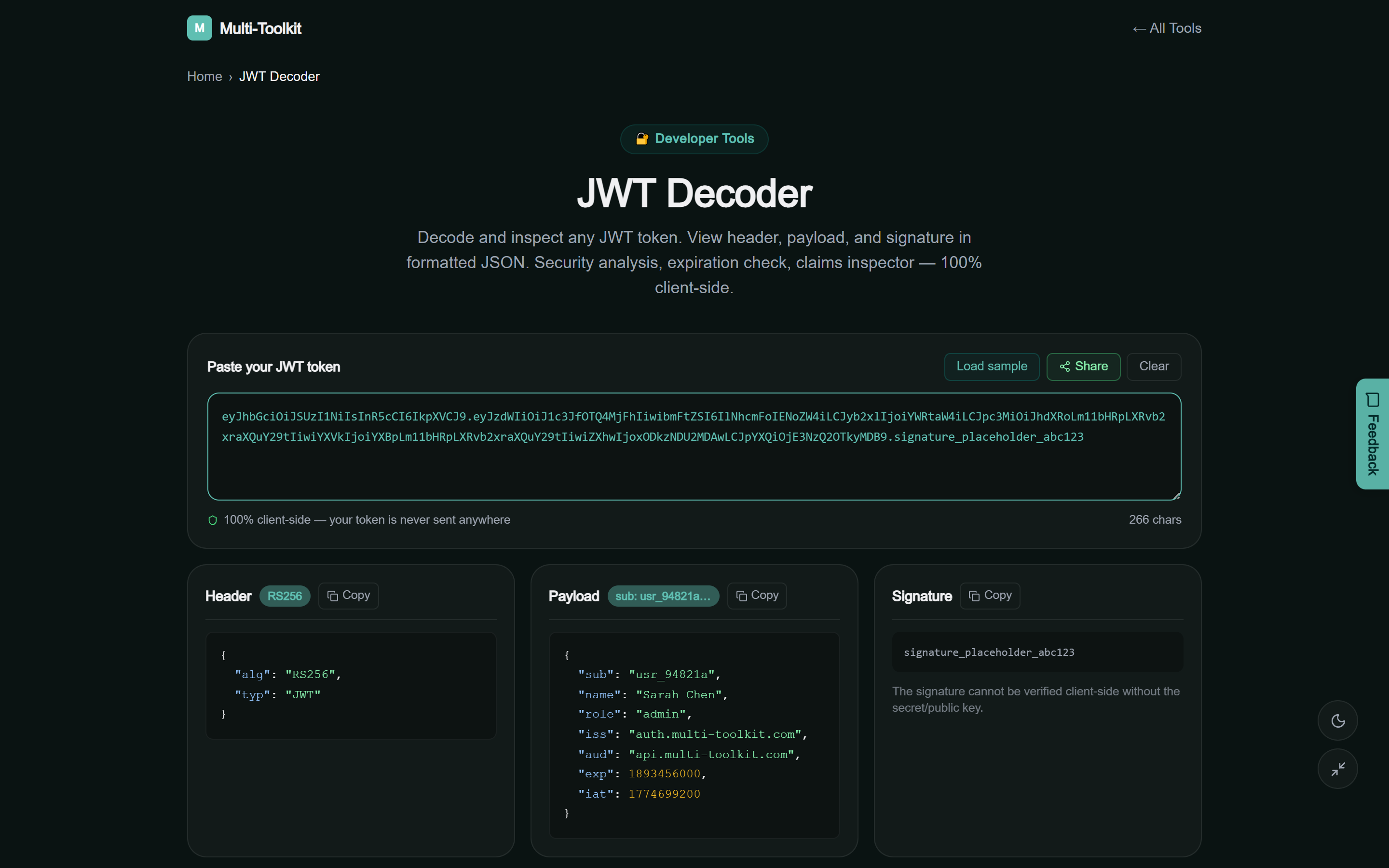
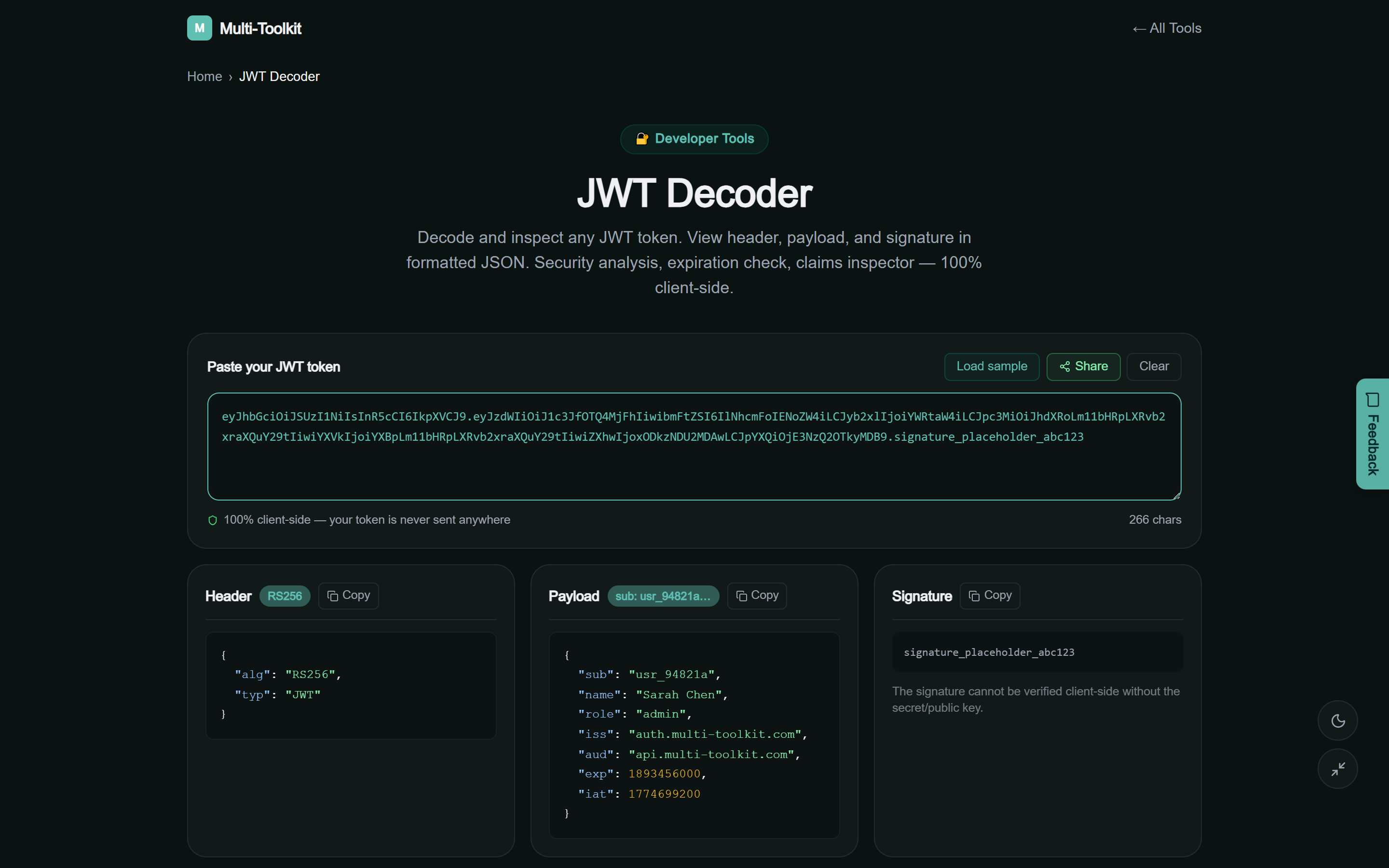
The tool provides a streamlined dual-theme interface designed for rapid token ingestion, real-time security auditing, and structured claims exploration:
Technical anatomy: RFC 7519 structure & claims taxonomy
A JSON Web Token consists of three distinct Base64URL-encoded segments delimited by periods (.):
[Header].[Payload].[Signature]1. The Header segment
Contains cryptographic metadata specifying how the token is signed and verified:
alg(Algorithm): The hashing or signature algorithm (e.g.RS256,ES256,HS256,none).typ(Type): The media type of the token, typicallyJWT.kid(Key ID): Optional identifier specifying which public key in a JSON Web Key Set (JWKS) was used to sign the token.
2. The Payload (Claims) segment
Contains the asserted statements about the subject entity. RFC 7519 defines several standard registered claims:
| Claim | Full Name | Description & Security Purpose |
|---|---|---|
sub | Subject | Unique identifier for the user or service principal. |
iss | Issuer | Identifies the identity provider (IdP) that issued the token. |
aud | Audience | Specifies the intended recipient API service. |
exp | Expiration Time | POSIX timestamp after which the token is invalid. |
iat | Issued At | POSIX timestamp indicating when the token was generated. |
nbf | Not Before | POSIX timestamp before which the token cannot be used. |
3. The Signature segment
The signature is generated by computing a cryptographic hash over the Base64URL-encoded header and payload using the signing key. It guarantees data integrity—if any claim is altered, signature verification will fail.
3-step workflow: inspecting tokens & security auditing
Follow this 3-step workflow to decode and inspect authentication tokens in seconds:
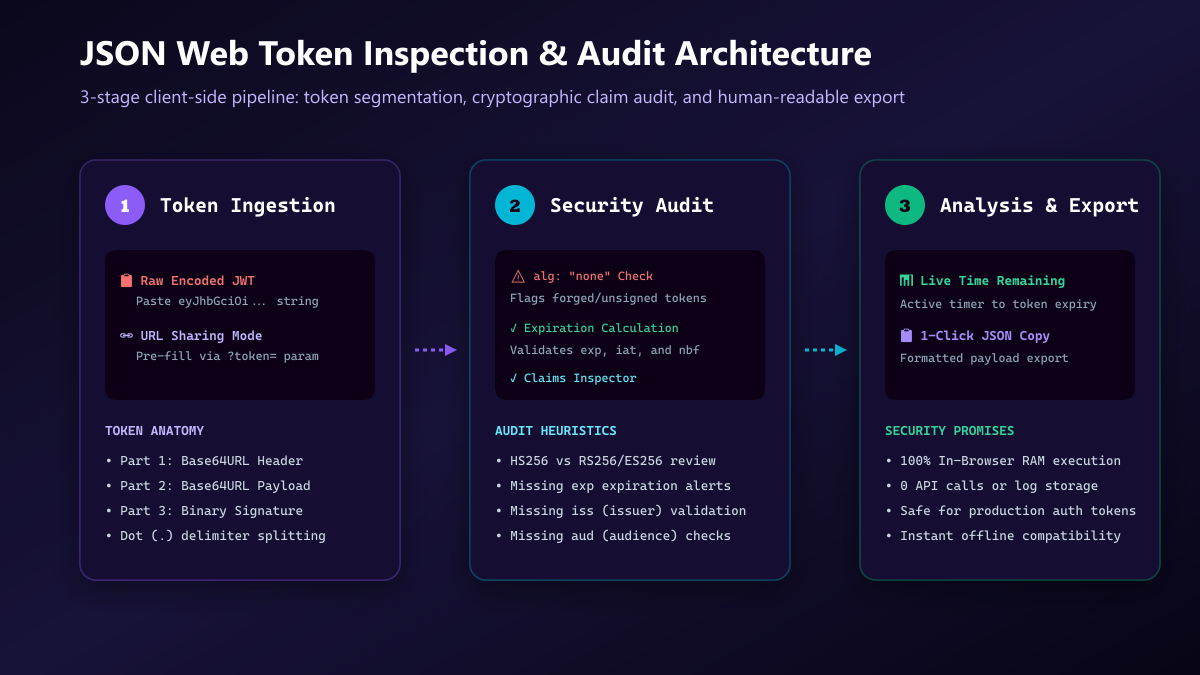
- Paste Token or Share Link: Open the JWT Decoder. Paste your encoded token string or open a pre-filled debugging URL using
?token=<jwt>. - Review Security Analysis: Examine the automated security diagnostics for algorithm integrity (
RS256vsHS256), active validity countdowns, and missing standard claims. - Inspect Claims & Export: Browse formatted JSON objects for Header and Payload, check human-readable date-times, and copy clean snippets to your clipboard.
Common JWT vulnerabilities & how to prevent them
| Vulnerability | Risk Mechanism | Security Remediation |
|---|---|---|
alg: "none" Bypass | Unsigned token accepted as authentic; enables claim forgery | Reject none algorithm in backend verifiers |
Missing exp Expiration | Stolen token remains valid indefinitely | Always configure short-lived expiry (15m–1h) |
| Exposing HMAC Secret | Symmetric key leaked in client-side code allows total token forgery | Use asymmetric algorithms (RS256/ES256) with public JWKS |
| Storing Secrets in Payload | Base64URL is readable by anyone with the token | Never store passwords or credit card numbers in claims |
Companion developer security utilities
Explore related client-side developer utilities on Multi-Toolkit:
- Base64 Encoder & Decoder: Encode and decode Base64 standard and URL-safe strings.
- URL Encoder & Decoder: Parse and manipulate query parameters and percent-encoded URIs.
- Timestamp Converter: Convert POSIX epoch timestamps to human dates across 10 world timezones.
- Secret Generator: Generate cryptographically secure API keys, tokens, and random passwords.
100% in-browser privacy & zero-telemetry guarantee
Authentication tokens are high-value credentials. Multi-Toolkit enforces strict client-side isolation:
- Local In-Memory Parsing: Base64URL string decoding and JSON parsing occur entirely in your browser’s JavaScript runtime.
- Zero Data Telemetry: No tokens, claims, headers, or URLs are sent over the network or stored on any server.
- No Account Required: Instant access without logins, cookies, or daily usage caps.
Frequently asked questions
What is a JWT token?
A JSON Web Token (JWT) is a compact, URL-safe means of transferring claims between two parties, defined in RFC 7519. It is widely used in modern web applications for stateless user authentication and API authorization.
Does decoding a JWT verify its signature?
Decoding a JWT parses and displays the readable JSON contents of the header and payload. To cryptographically verify that the signature was generated by the original server, the server’s public key (for RS256/ES256) or shared secret (for HS256) is required. Multi-Toolkit validates the token structure, algorithm, and timestamps.
Why is alg: "none" dangerous in JWTs?
An algorithm of “none” indicates that the token has no cryptographic signature. If an API server improperly accepts unsigned tokens, any client can modify their user ID or role permissions and forge administrative access.
How does the tool calculate token expiration?
The tool reads the exp (Expiration Time) claim in the token payload, compares it with the current UTC epoch timestamp, and renders both the exact date-time and a live countdown showing time remaining or time elapsed since expiry.
Can I share a decoded token with my development team?
Yes. Append ?token=<your_jwt_string> to the tool URL to automatically load and inspect the token for teammates during debugging sessions.
Are my tokens stored or logged on your servers?
No. All decoding and analysis operations run 100% locally inside your web browser. Your tokens, user IDs, and secrets never leave your device.
Inspect and audit your JWT tokens safely
Decode headers, explore payload claims, check expiration countdowns, and verify algorithm safety with 100% in-browser privacy.
Open Free JWT Decoder →